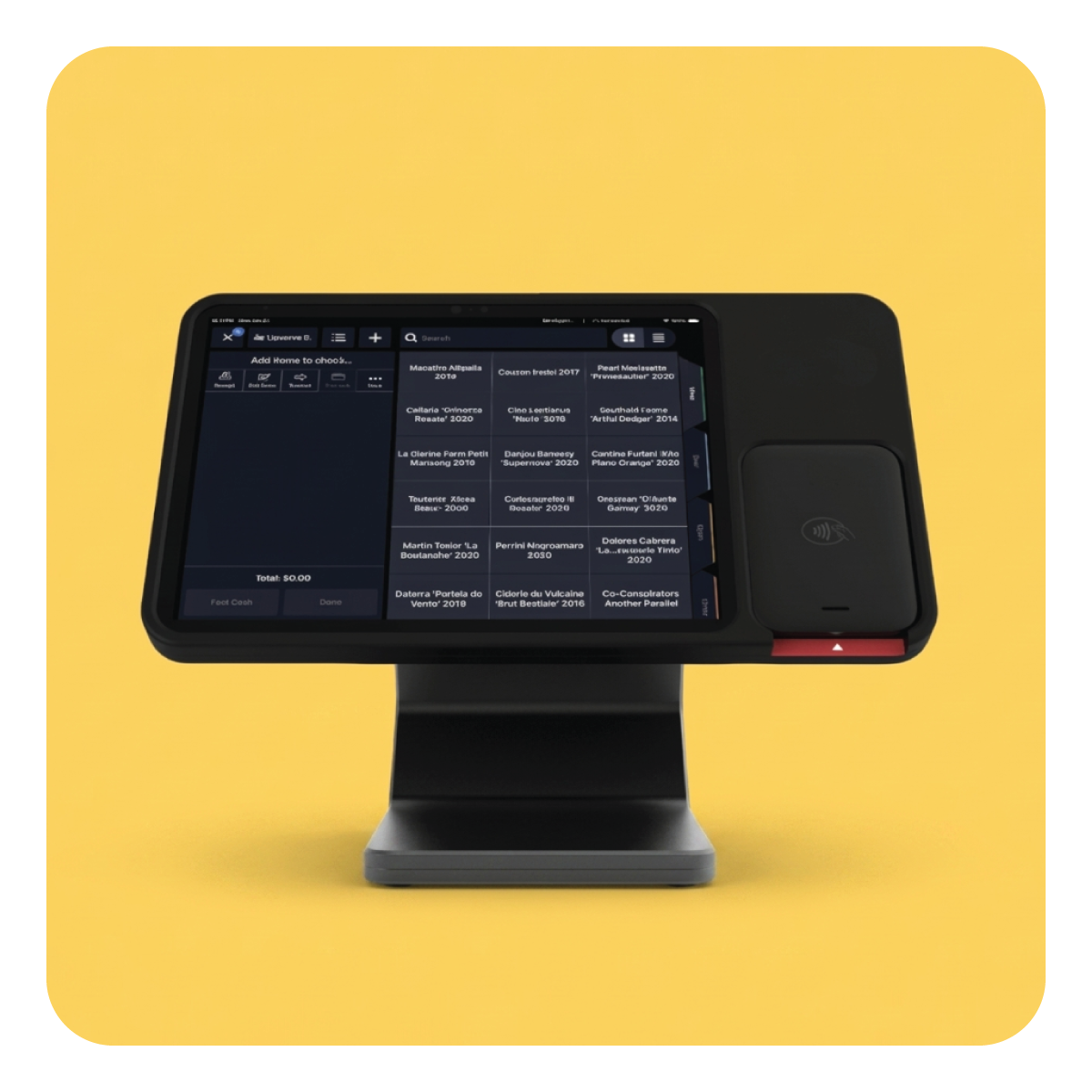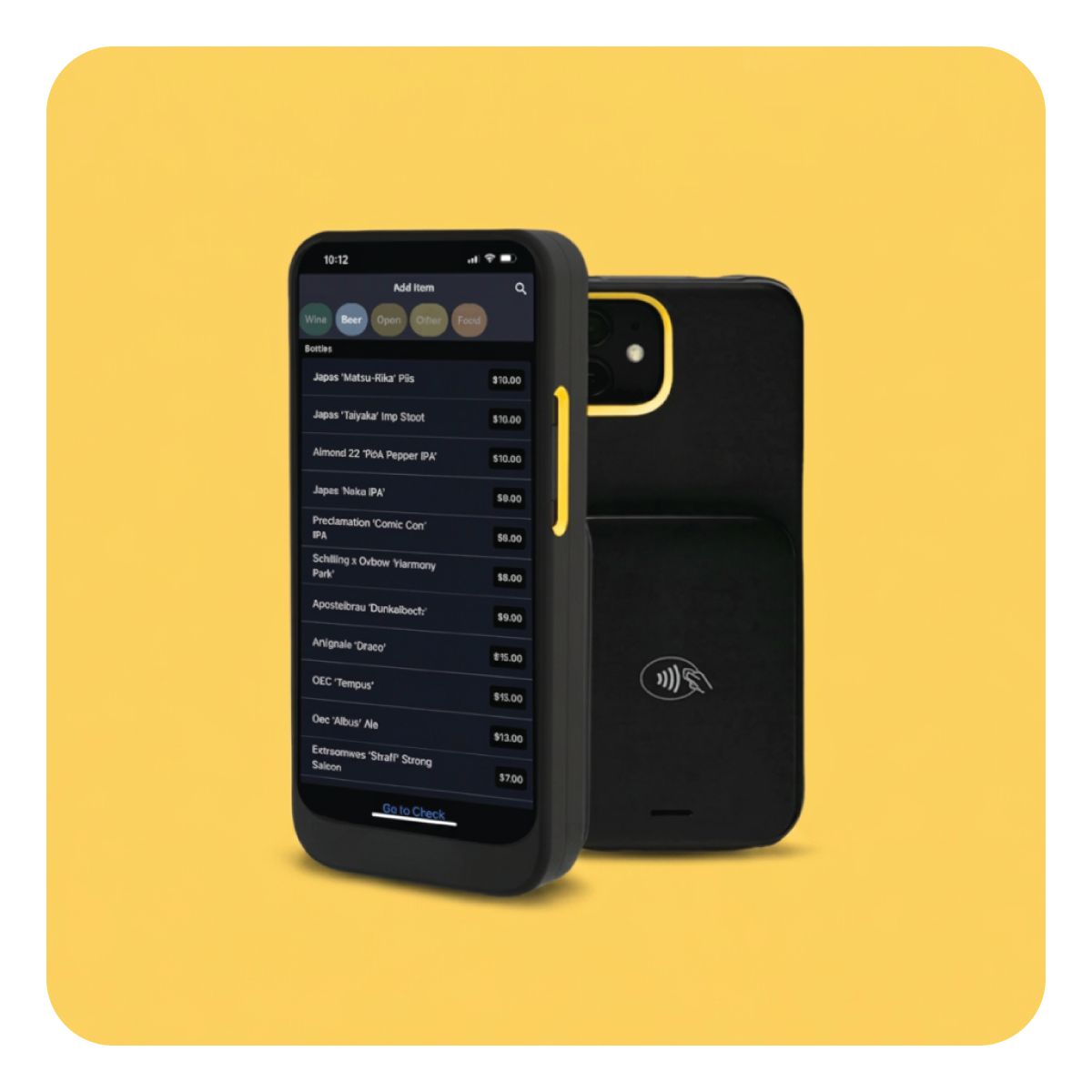
Manage orders, take payments, and see how your restaurant is doing all in one place. See how Upserve could work for your menu, your team, and the way you serve.











From managing orders and payments to understanding guest behavior and tracking business performance, Upserve provides the tools you need to seamlessly run your restaurant.
.png)
Every table, every party size, every minute a check has been open, on one visual floor plan. Reservations flow straight to your host stand.
.png)
Fire appetizers, hold entrees, keep the pacing yours. Seat numbers mean no auctioned plates, and splitting a bottle of wine across a four top takes two taps.
.png)
See what sells, what carries margin, and which dish quietly brings people back.
.png)
Every card swipe builds a profile: visits, favorites, spend. The guest at table 12 stops being a stranger.
Every table, every party size, every minute a check has been open, on one visual floor plan. Reservations flow straight to your host stand.
Fire appetizers, hold entrees, keep the pacing yours. Seat numbers mean no auctioned plates, and splitting a bottle of wine across a four top takes two taps.
See what sells, what carries margin, and which dish quietly brings people back.
Every card swipe builds a profile: visits, favorites, spend. The guest at table 12 stops being a stranger.
.svg)
.svg)
Want it walked through with your own menu?
Book a demo →
Designed for independent restaurants, not enterprise chains. If your nights involve coursing, covers, and camped-out four tops, this was configured for your world before you touched it.
.png)
.png)
Real stories from the people behind the bar, in the kitchen, and running the show.


Upserve is built for restaurants and bars that need to manage orders, payments, and day-to-day operations together. Whether you’re opening your first location or replacing your current POS, a demo can help you see how it would work for your team.
You won’t have to figure it out on your own. Upserve offers personalized onboarding, professional installation, and staff training to help you get started. We’ll talk through your restaurant’s needs and what moving from your current system would involve.
Your team can practice with your actual menu in Training Mode before using Upserve with guests. They can learn to enter orders, split checks, and take payments without affecting live service. Guided training and step-by-step help articles are also available.
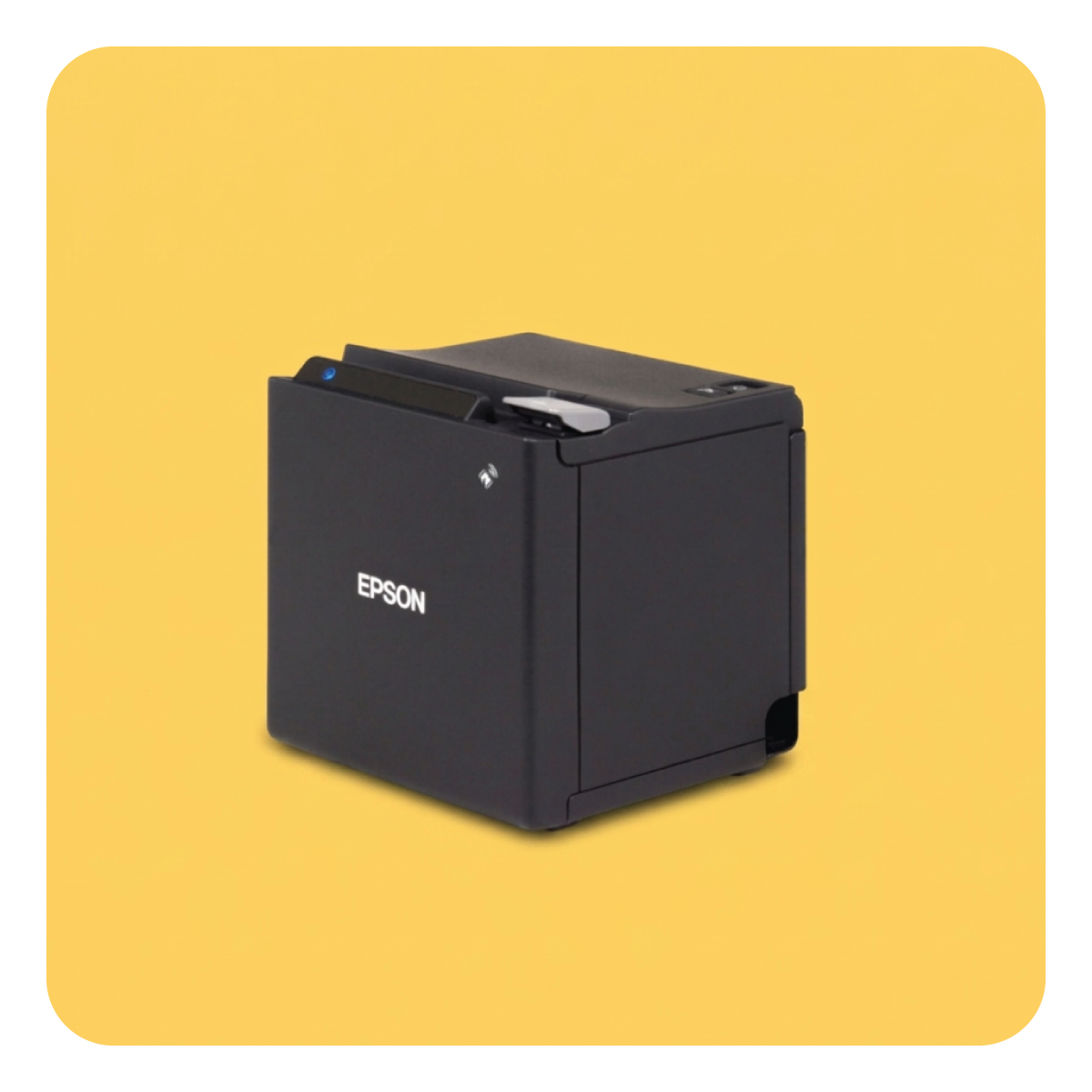
Upserve’s Offline Mode lets your team keep sending orders to the kitchen, taking card payments, and printing receipts when your internet connection drops. Integrated Payments supports up to 24 hours of offline payments. Ask us how offline mode works with your restaurant’s setup.
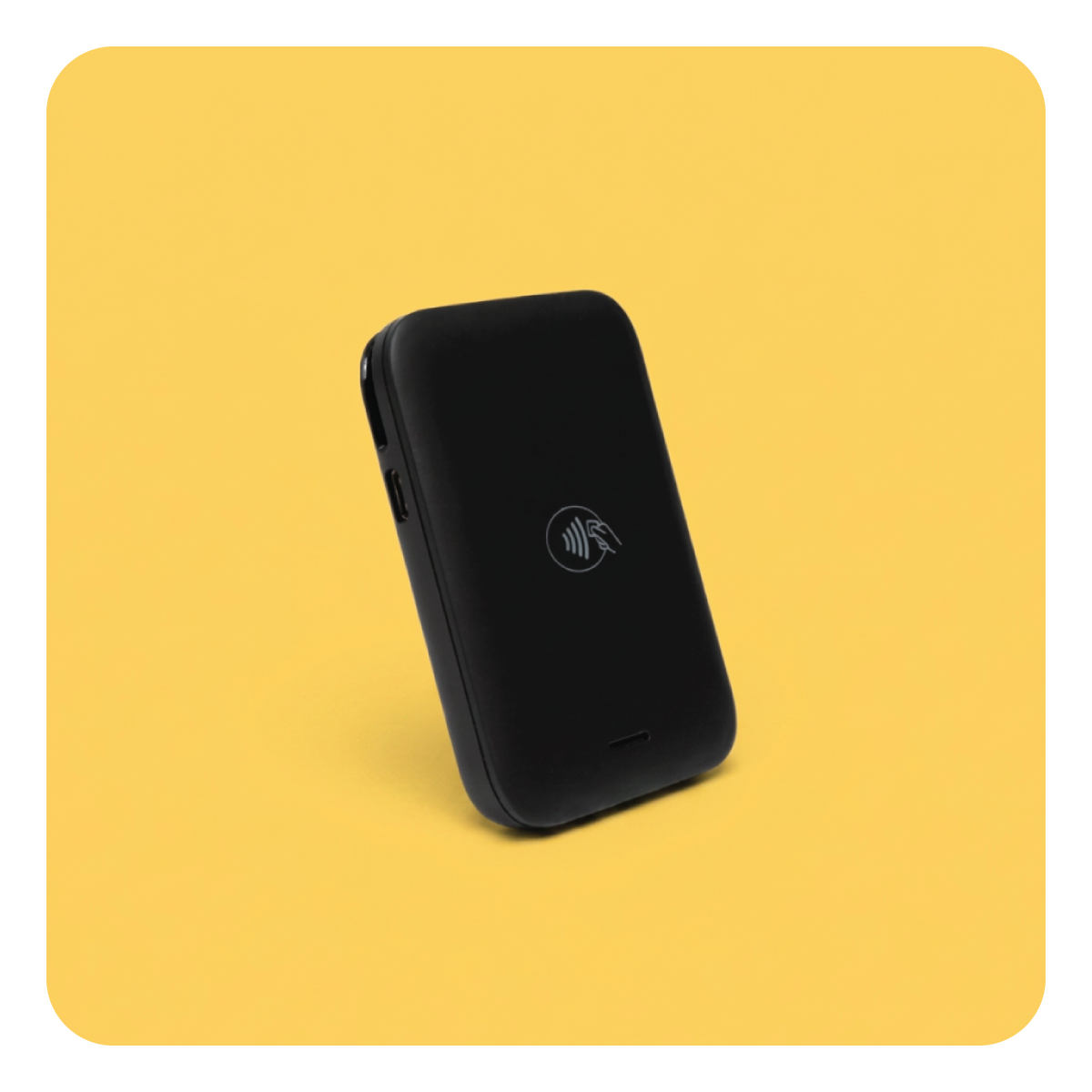
Yes. Upserve Tableside lets servers enter orders and take payments right at the table, reducing trips back to a fixed terminal. You can explore the handheld and countertop options to find the setup that works for your floor.
Yes. Upserve’s Daily Digest emails you a summary of sales, labor costs, menu performance, and notes from your managers. Your team can also use the digital Logbook to share shift updates, so you can stay informed without being on-site.
Upserve’s restaurant support team is available 24 hours a day, every day of the year, by phone, chat, or email. You can get help during dinner service, late nights, and weekends—not just office hours.
Tell us about your business, explore the system, and get answers to your questions.
Request my demo