Get up to $2,000 off Upserve POS hardware through September 30, 2026
FULL-SERVICE RESTAURANT POS

A Full-Service Restaurant POS System Built Around Every Table

The Upserve full-service restaurant POS system brings coursing, seat-level ordering, payments, guest profiles, and restaurant reporting together—so technology supports the rhythm of service instead of interrupting it. For elevated concepts, it delivers the detail operators expect from a fine dining POS.

Coursing and seat detail
Guest history built in
24/7/365 support
$2,000 OFF

Restaurants and bars get up to $2,000 off Upserve POS hardware through September 30, 2026

See Upserve configured for your dining room

We’ll focus your demo on the service details that matter to your team, from floor plan and coursing to guest recognition and reporting.

Thanks for taking the time to reach out. We're excited to learn more about your restaurant, answer your questions, and show you what Upserve can do for your team.

We received your request and will be in touch soon.
Oops! Something went wrong while submitting the form.

A full-service restaurant POS built around the way you work

From the first seating to the last check, Upserve connects the floor, kitchen, payments, guest history, and reporting—so you spend less time reconciling systems after service.

Control the pace of the meal

Fire appetizers, hold entrées, and keep the floor and kitchen aligned on the same check. Your team controls the sequence—not the software.

Keep every order tied to the right seat

Use seat numbers, clear modifiers, and flexible check splitting to deliver the right plate and make payment easier at the end of the meal.

See the room as it changes

Use a visual floor plan to follow tables, party sizes, and open-check time. Integrated reservation workflows help the host manage booked guests and walk-ins together.

Give regulars a reason to feel remembered

Guest Book captures visits, spend, favorite items, preferences, notes, and VIP tags. Shift Prep helps managers prepare the team before doors open.

1 OF 4

Control the pace of the meal

Fire appetizers, hold entrées, and keep the floor and kitchen aligned on the same check. Your team controls the sequence—not the software.

2 OF 4

Keep every order tied to the right seat

Use seat numbers, clear modifiers, and flexible check splitting to deliver the right plate and make payment easier at the end of the meal.

3 OF 4

See the room as it changes

Use a visual floor plan to follow tables, party sizes, and open-check time. Integrated reservation workflows help the host manage booked guests and walk-ins together.

4 OF 4

Give regulars a reason to feel remembered

Guest Book captures visits, spend, favorite items, preferences, notes, and VIP tags. Shift Prep helps managers prepare the team before doors open.

Want it walked through with your own menu?

Book a demo →

Built for rooms where service is the product.

Fine dining
Full service
Bistros
Casual dining
Chef-driven independents

Whether you run a tasting menu or a neighborhood dining room, Upserve is designed for restaurants that care about pacing, details, and repeat hospitality.

01

Restaurant depth where general-purpose systems feel shallow

Coursing, seat numbers, table checks, bar tabs, splits, transfers, and restaurant-specific reporting reflect how your team works through a service.
02

Guest data your team can use tonight

Guest history becomes more than a report. Use preferences, notes, VIP tags, and upcoming reservation context to prepare more personal service.
03

Decisions grounded in menu and service data

See sales, labor, comps, menu performance, and guest behavior together. Understand which dishes carry margin, which bring guests back, and where coaching can improve the next shift.

Configured around your room before go-live.

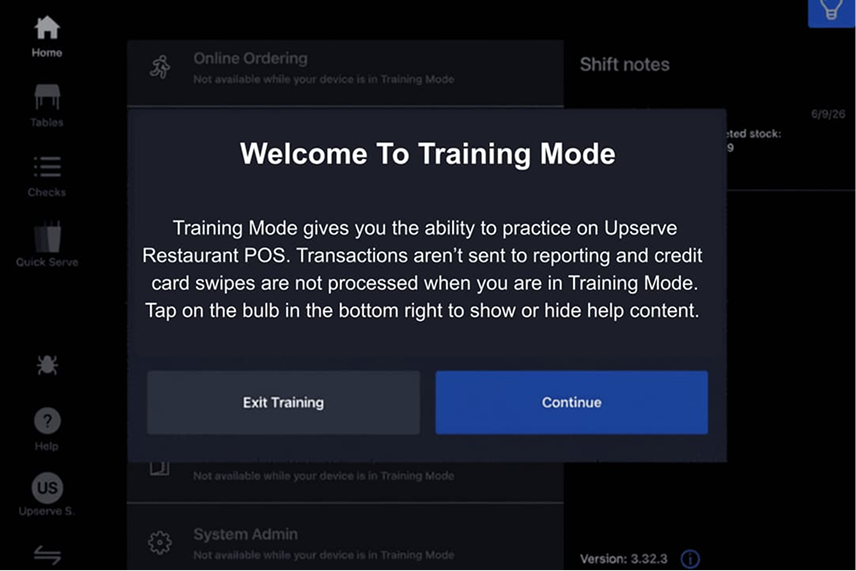
Upserve helps build your menu, modifiers, floor plan, roles, and hardware. Training Mode lets staff practice coursing, splits, and service workflows without affecting live reporting.
Personalized onboarding
A specialist rebuilds your menu, modifiers, and floor plan with you, so day one feels familiar, not foreign.
Professional installation
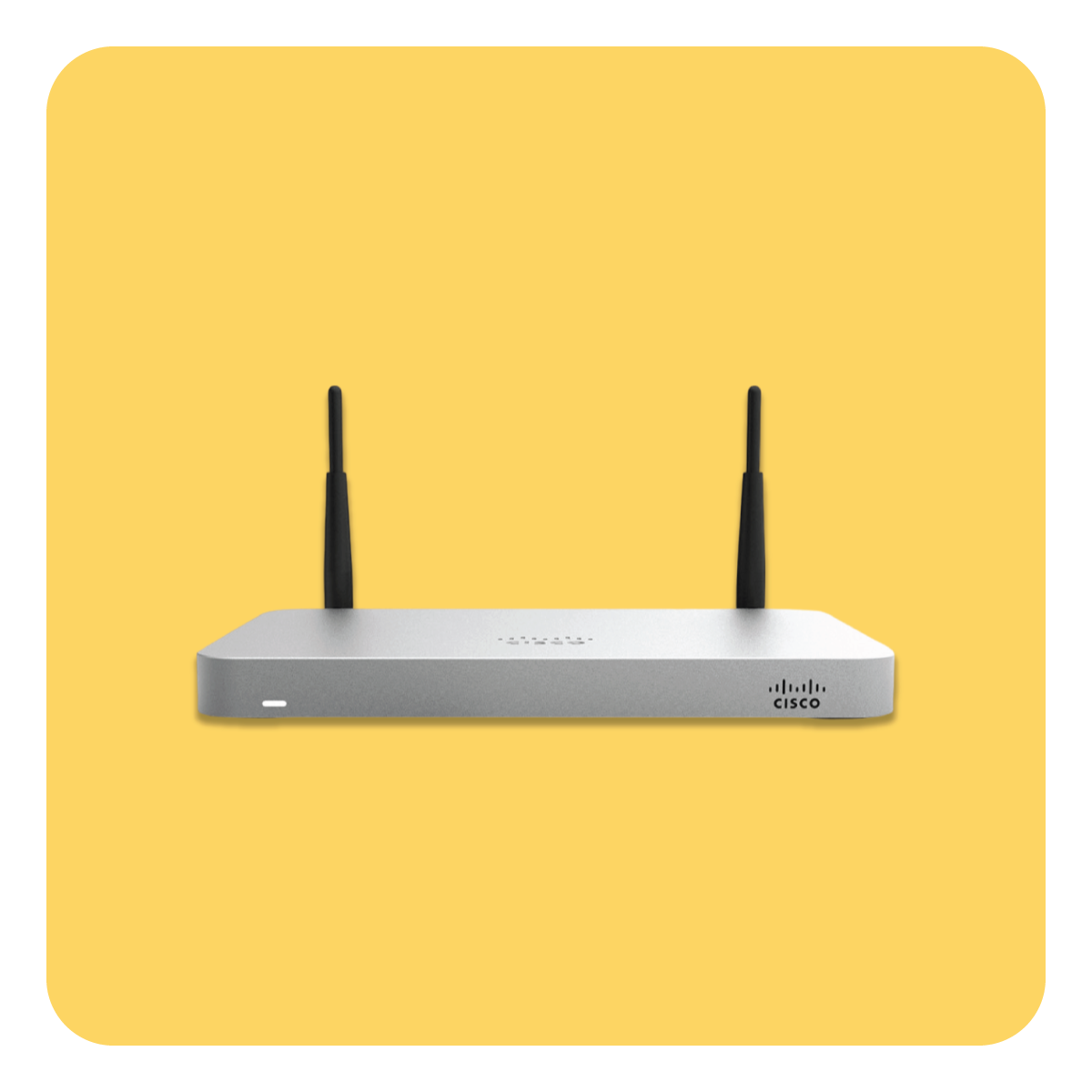
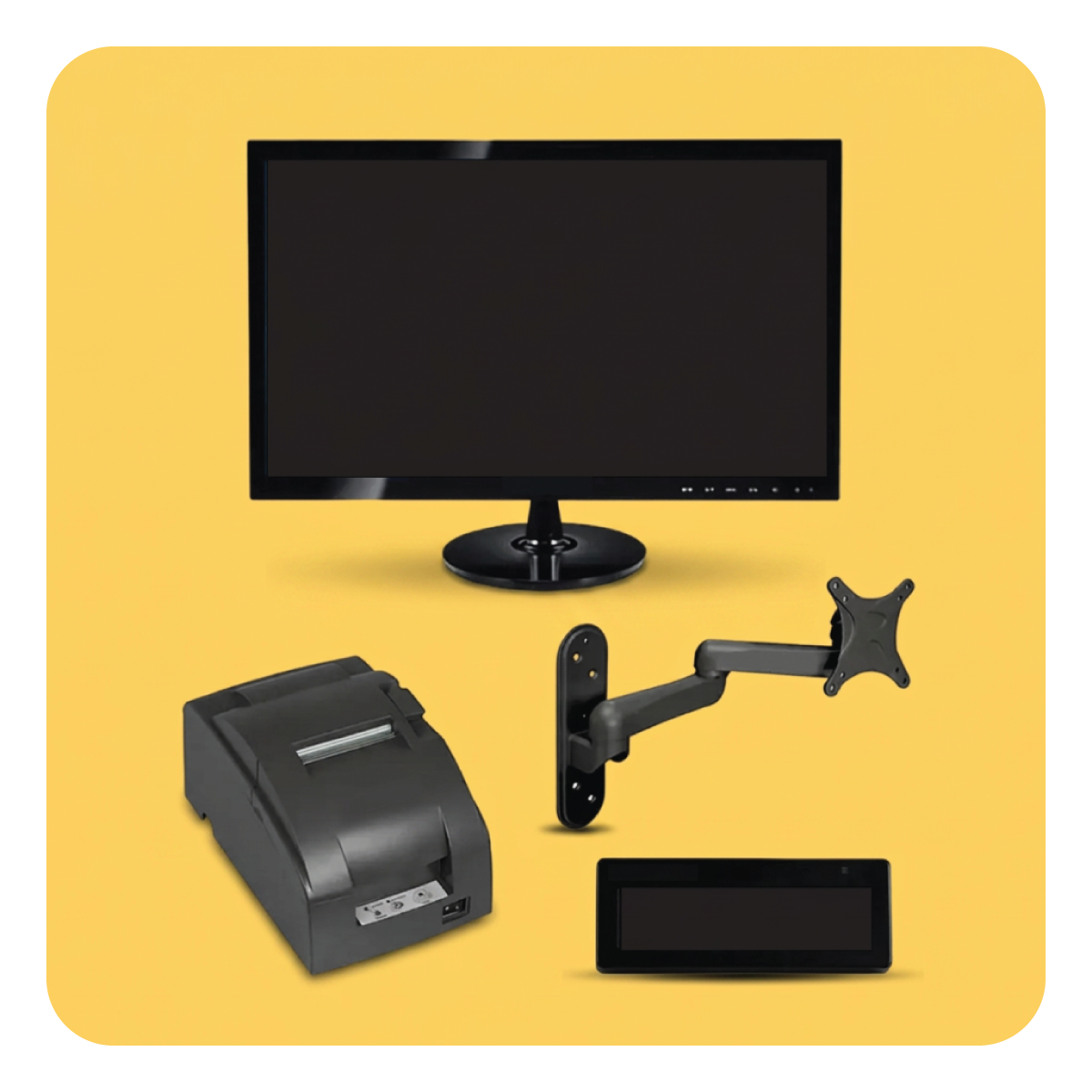
Terminals, handhelds, printers, kitchen screens, networking. Our team configures all of it. You run service, we run cables.
Training Mode
Flip one switch and any device becomes a safe, read-only copy of your real system. New hires practice on your actual menu, with zero risk to live service.
24/7/365 restaurant support
Chat, phone, or email, any hour. Real people who have worked a rush and know what we are slammed means.
PLANS AND PRICING

A restaurant POS plan that fits the way you serve.

Choose the restaurant capabilities your team needs, with software, hardware, and payments explained clearly during a personalized demo.

CORE
Best for owners running one or two locations
Get My Quote

Includes

Cloud POS on iPad
Tableside handhelds
Offline Mode, up to 24 hours
Menu, modifier and floor plan configuration
24/7/365 support
PRO (Most Popular)
The full stack for operators who want the guest andinventory side too.
Get My Quote

Everything in Core, plus

Guest Insights and Guest Book
Inventory
Online Ordering
Loyalty
Multi-location dashboard
Menu Intelligence and server scorecards
PRO+
For larger groups, central kitchens, and tech-forward operators.
Get My Quote

Everything in Pro, plus

Multi-unit and central kitchen tooling
Custom reporting
Dedicated account team
Payments on every plan, hardware quoted separately. You will see your full quote on the call, itemized. Ask about setup support on your call.
Get my custom quote →

Technology that stays out of hospitality’s way.

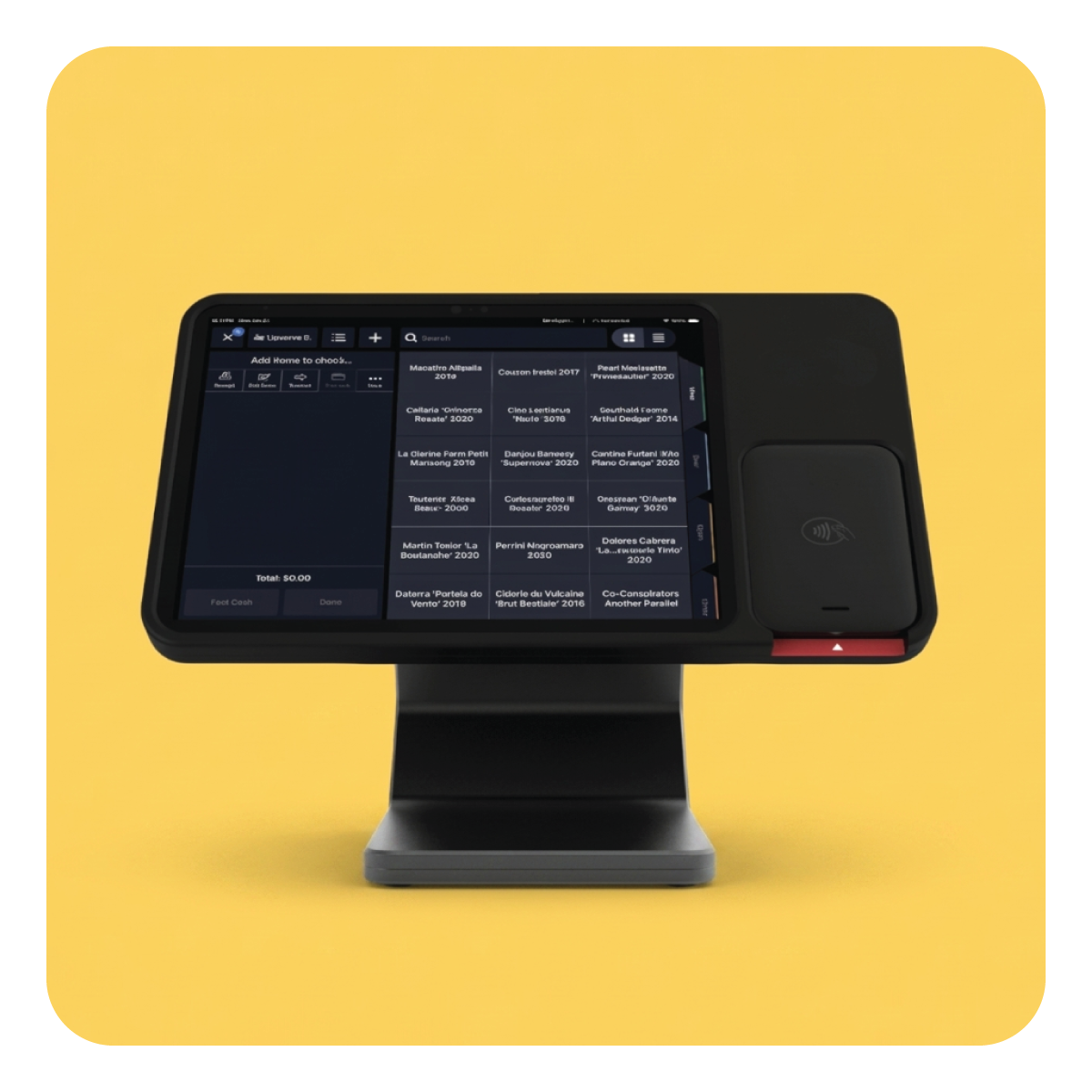
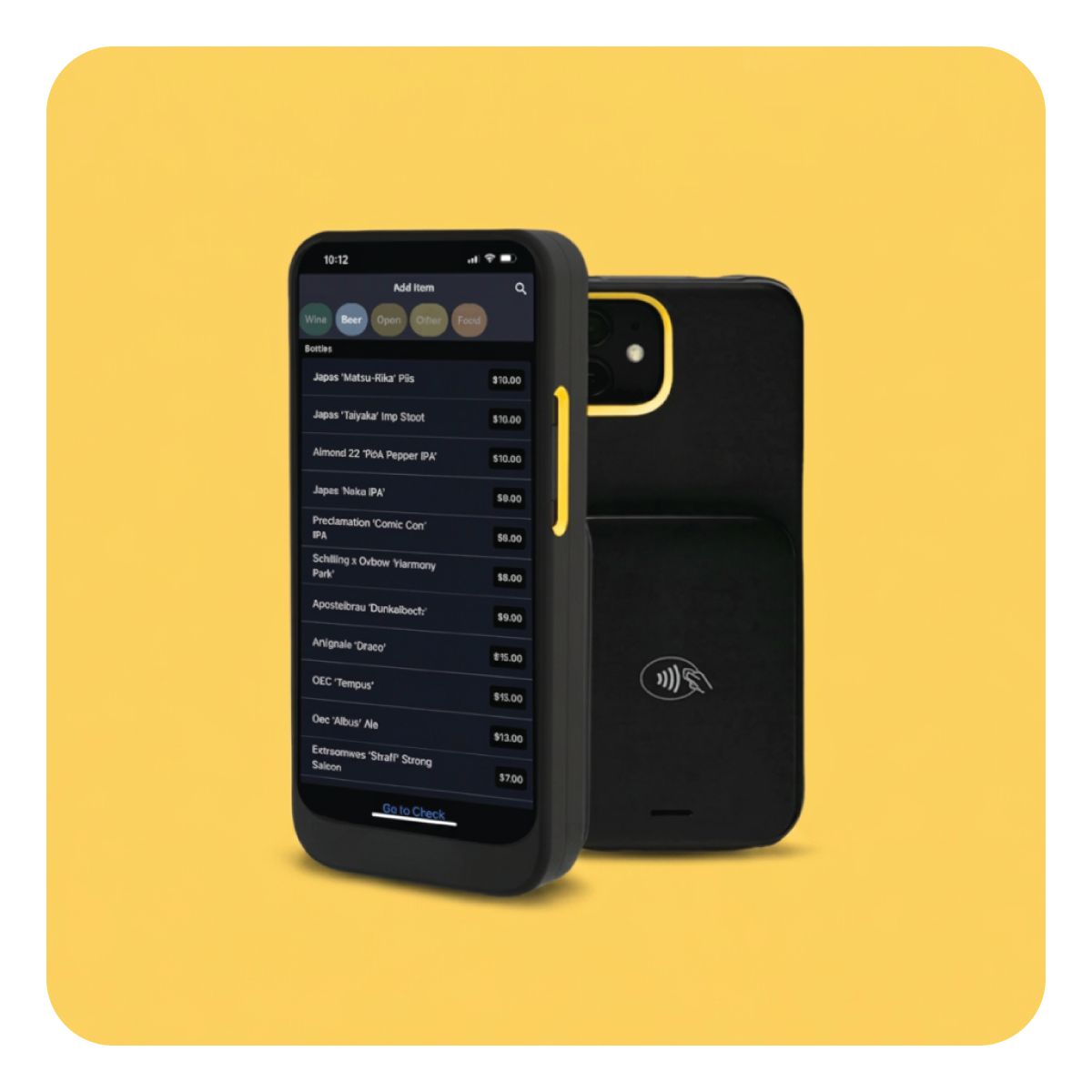
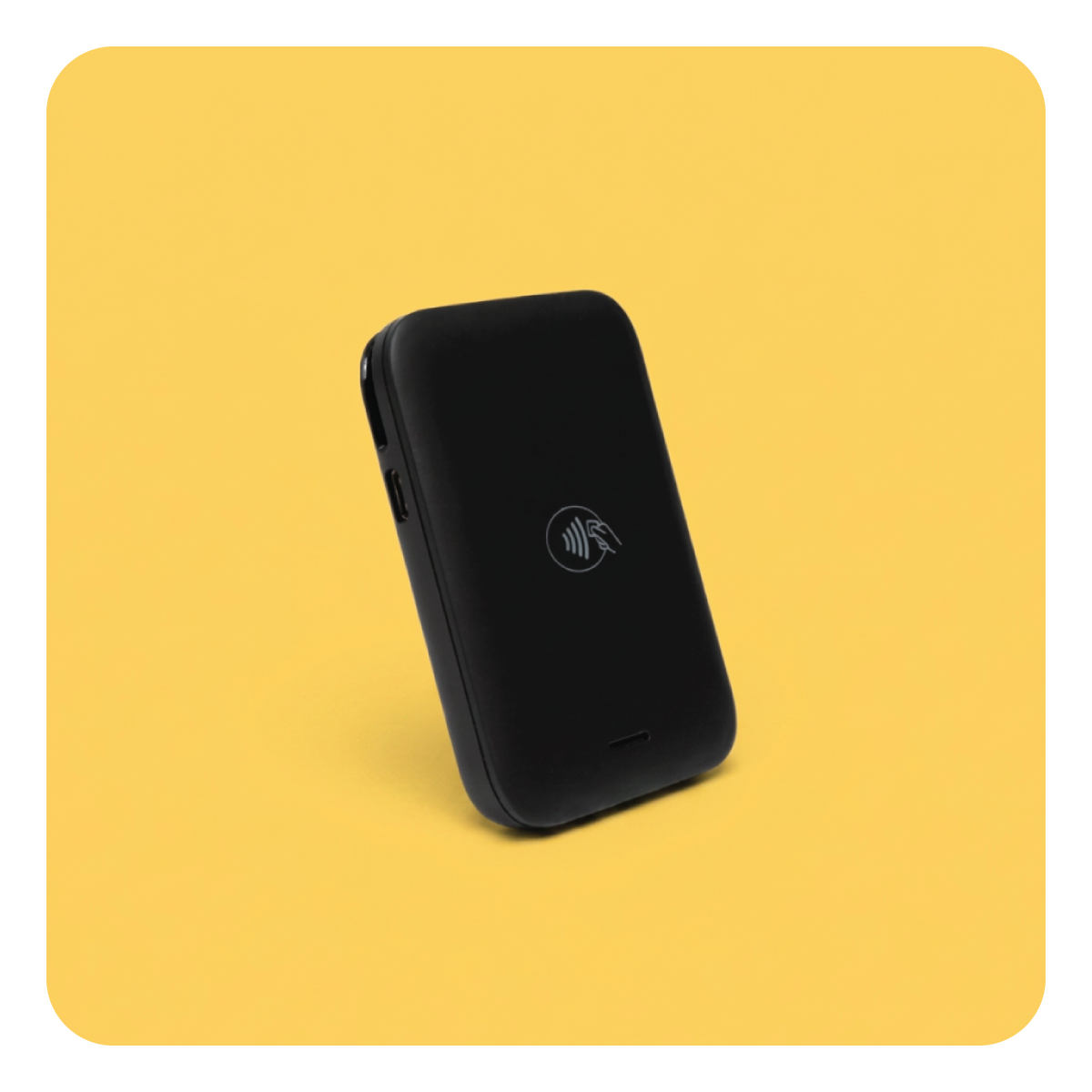
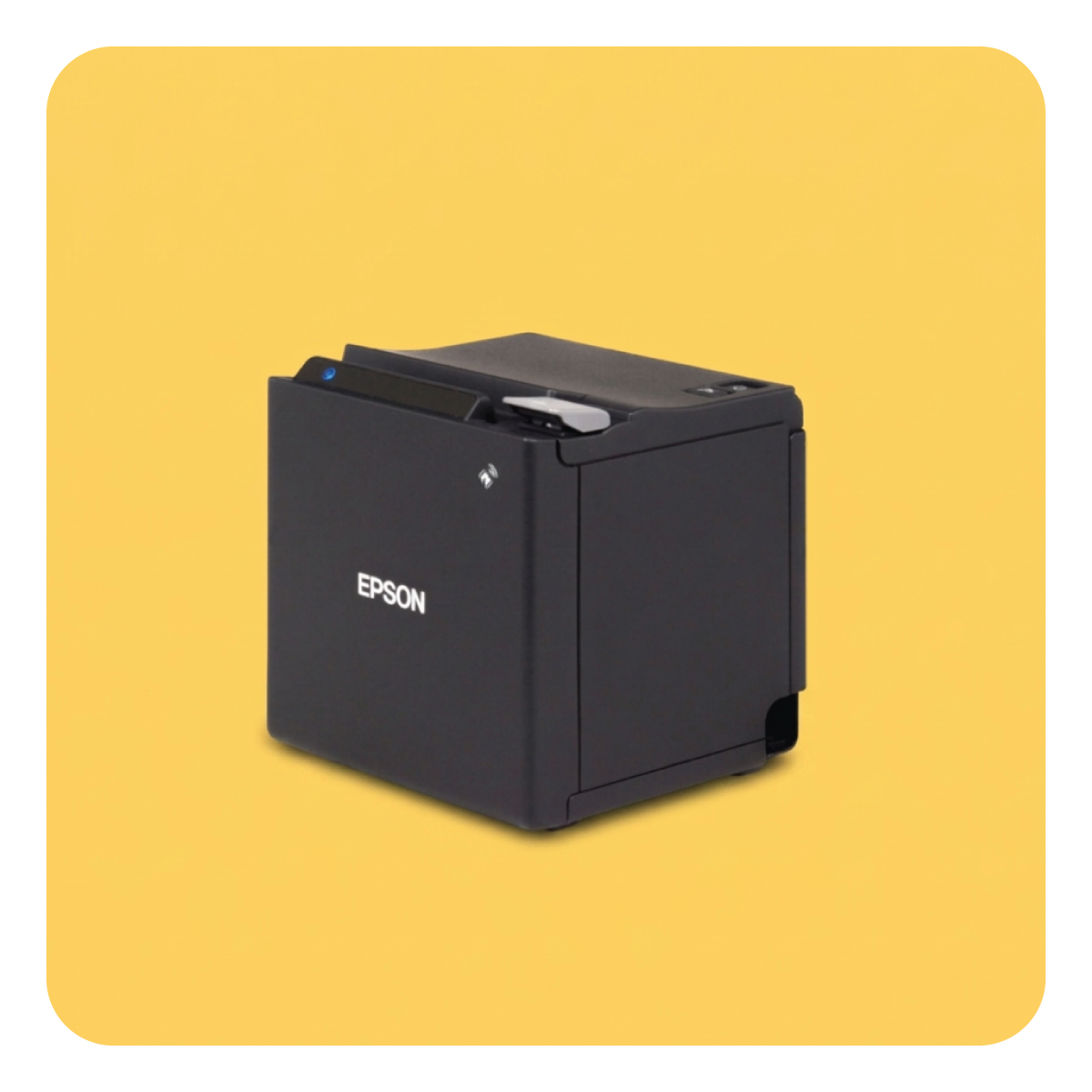
Anchor the restaurant with stationary terminals and give servers mobile ordering and payment tools where appropriate. We’ll recommend a setup for your floor, pass, and payment flow.

Pos Hardware

Tableside POS

Mobile Tap Payments

Printers

Networking

Kitchen Display Systems

$2,000 off
All-in-one restaurant POS hardware
Schedule a demo now
For full-service restaurants and bars
Promo Expires 9-30-26

Questions operators ask before they switch.

Can Upserve handle coursing and seat numbers?

Yes. Upserve supports fire-and-hold workflows, seat positions, modifiers, check transfers, and flexible splitting for full-service restaurants.

How does Guest Book work?

Upserve creates profiles from card payments and can surface visit history, spend, favorite items, preferences, notes, and VIP tags across locations.

Does Upserve work with reservations?

Upserve supports reservation integrations and can bring reservation context into the restaurant workflow. Ask your specialist to confirm the best integration for your current stack.

What happens during an internet outage?

Offline Mode keeps essential service workflows available with limitations. Your specialist can explain the supported payment methods and recommended process for your hardware.

See a full-service restaurant POS designed around your dining room

Bring your menu and service questions. We’ll walk through the details live and give you clear pricing.

Book a Full-Service POS Demo