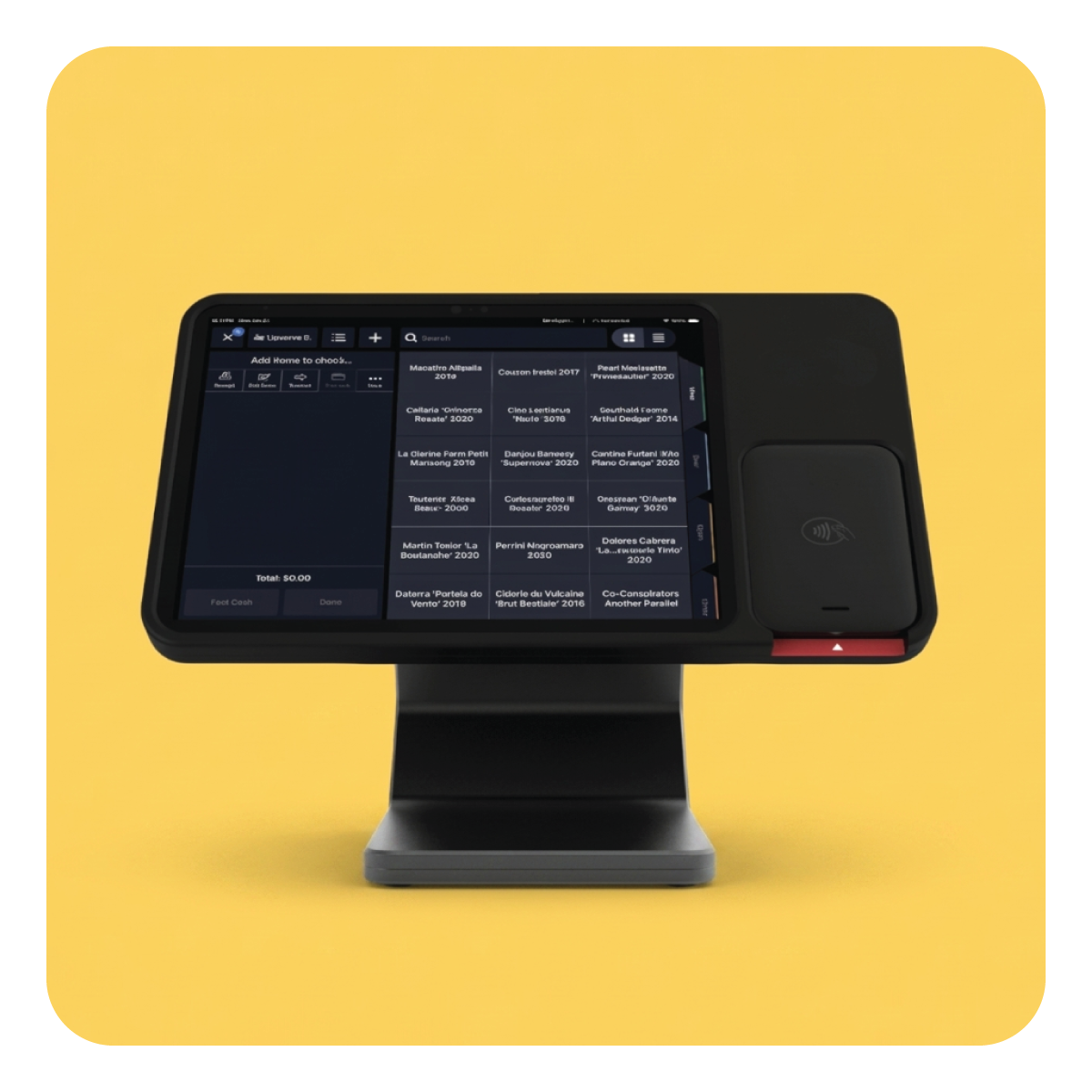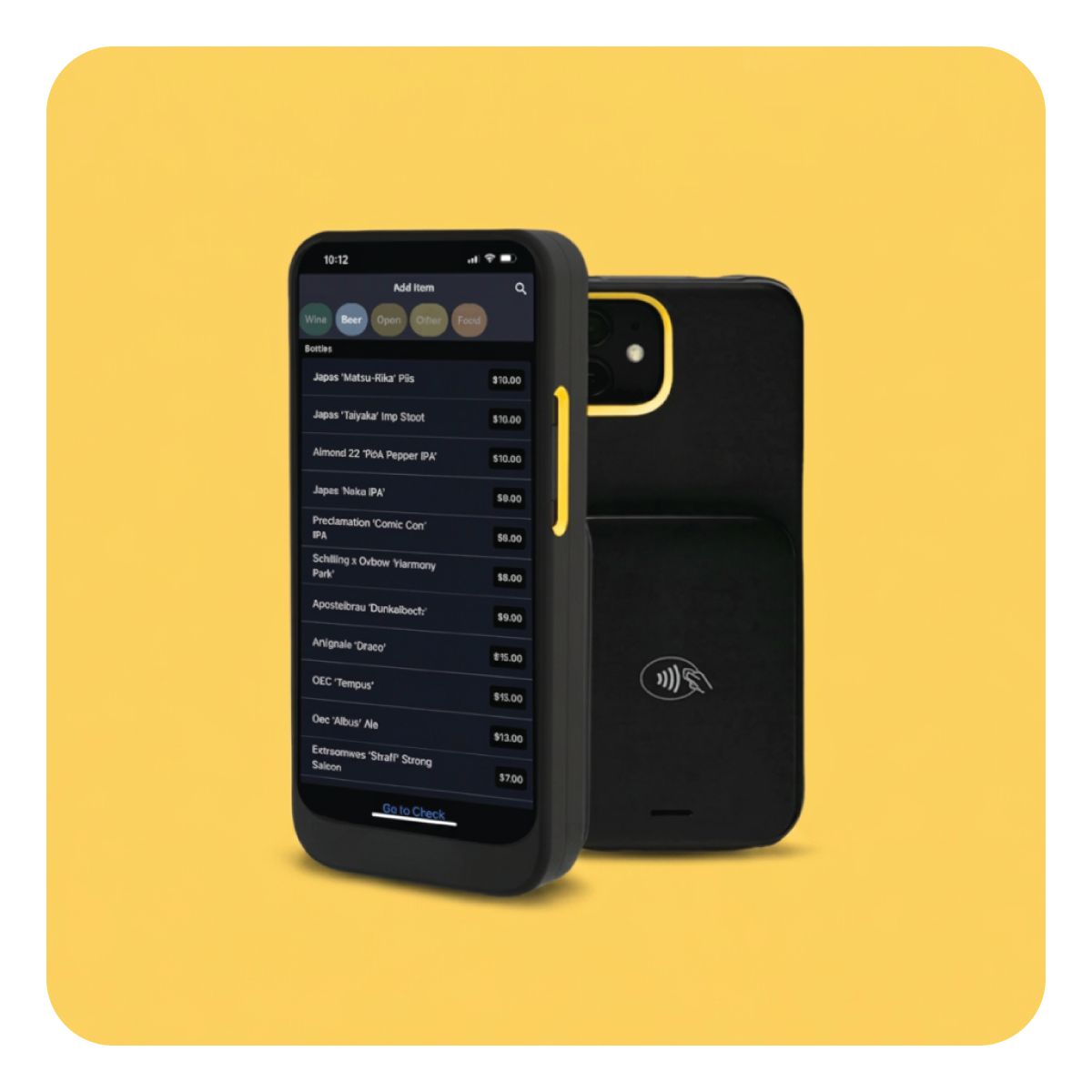
The Upserve fast casual POS system gives restaurants counter-service speed without giving up guest, menu, labor, and inventory insight.









From the first order to the last ticket, Upserve connects the counter, kitchen, payments, guest history, and reporting—so you spend less time reconciling systems after the rush.
.png)
Staff can land directly on the Quick Serve screen when they enter their PIN. Organize the menu around how people order, apply modifiers clearly, take payment, and move to the next guest.
.png)
Send clean tickets to the right prep stations as soon as an order is placed. Clear modifiers help reduce confusion when the line is longest.
.png)
Follow sales and labor from Upserve HQ and mobile reporting. Spot peak periods, best sellers, comps, and staffing pressure while there is still time to act.
.png)
Guest profiles build behind the scenes from card payments, helping you understand visit frequency, spend, and favorite items without adding work at the register.
Staff can land directly on the Quick Serve screen when they enter their PIN. Organize the menu around how people order, apply modifiers clearly, take payment, and move to the next guest.
Send clean tickets to the right prep stations as soon as an order is placed. Clear modifiers help reduce confusion when the line is longest.
Follow sales and labor from Upserve HQ and mobile reporting. Spot peak periods, best sellers, comps, and staffing pressure while there is still time to act.
Guest profiles build behind the scenes from card payments, helping you understand visit frequency, spend, and favorite items without adding work at the register.
.svg)
.svg)
Want it walked through with your own menu?
Book a demo →
If lunch is won in a two-hour window, your POS needs to make ordering obvious for staff and performance obvious for you.
.png)
.png)
Real stories from the people working the counter, the line, and the online orders.


Quick Serve is designed for bartenders and cashiers opening one check after another. Staff can land directly in the ordering flow, with menus and modifiers configured around your operation.
No. When guests pay by card, Upserve can create profiles showing visits, spend, and favorite items behind the scenes.
Upserve offers a multi-location dashboard so operators can review activity across their restaurant group from one place.
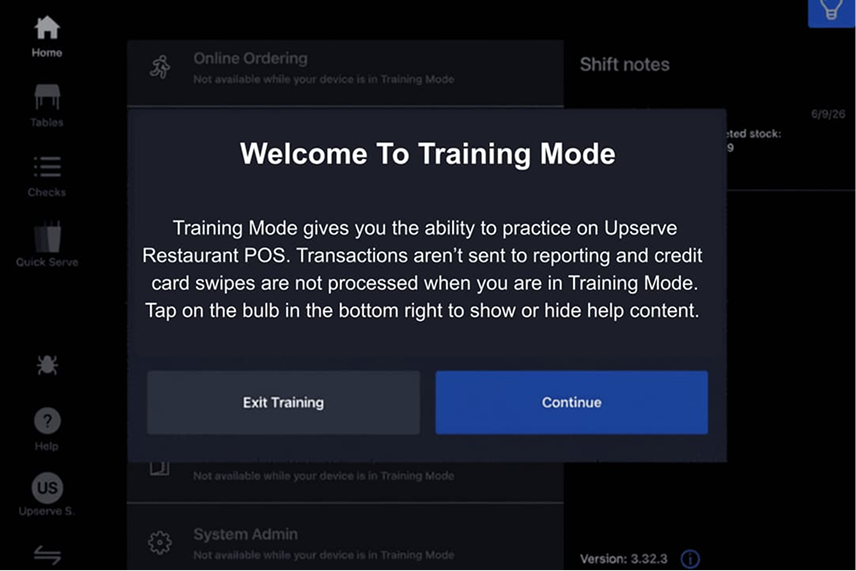
Yes. Training Mode uses your menu and data without disrupting service or changing your live reporting.
See Upserve with your menu, your rush, and your growth plans in mind.
Book a Fast Casual POS Demo