Run your taproom, food service, payments, and inventory from one brewery POS system.









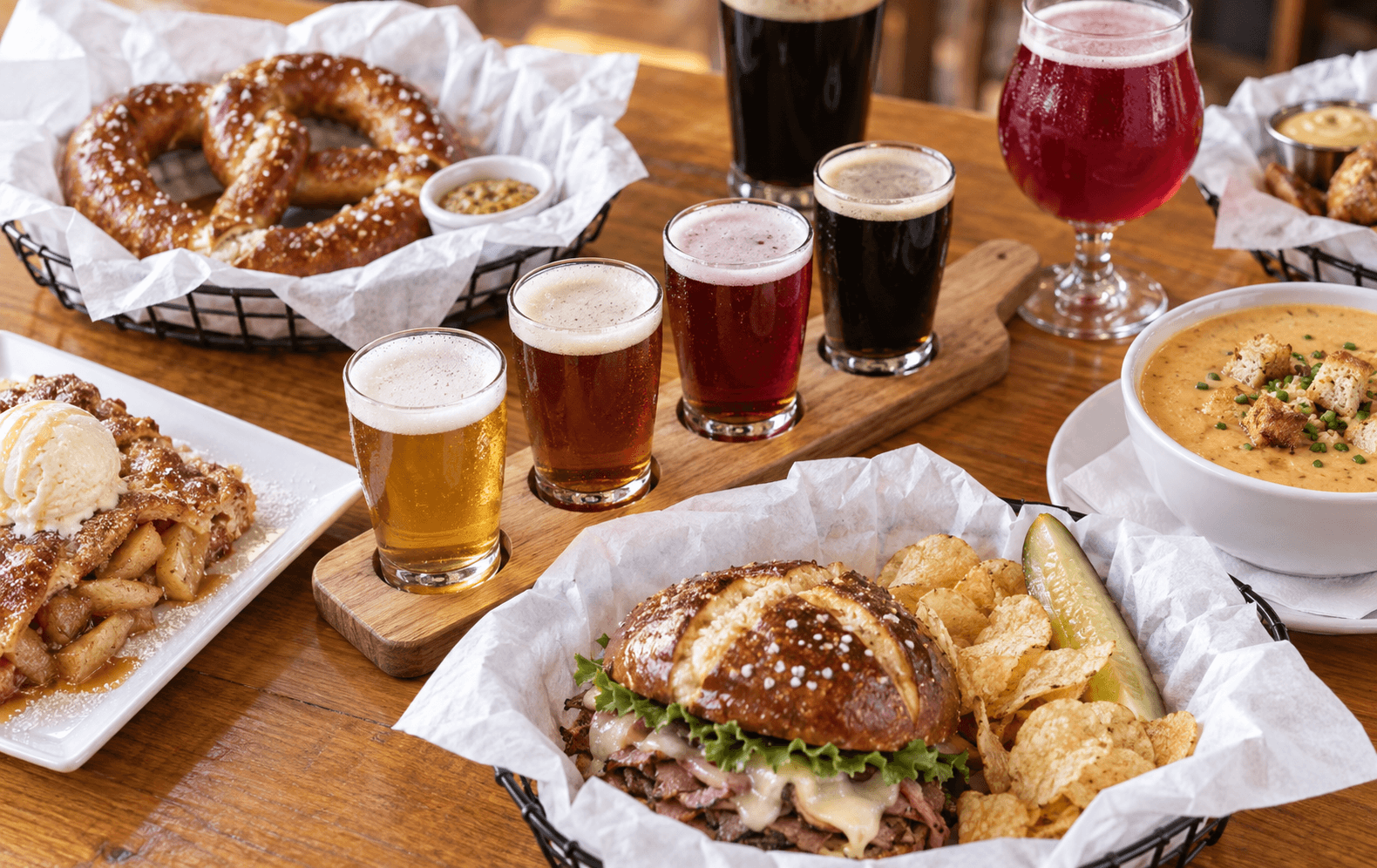

From the first flight to last call, Upserve connects the bar, kitchen, payments, guest history, and reporting—so you spend less time reconciling systems after service.
.png)
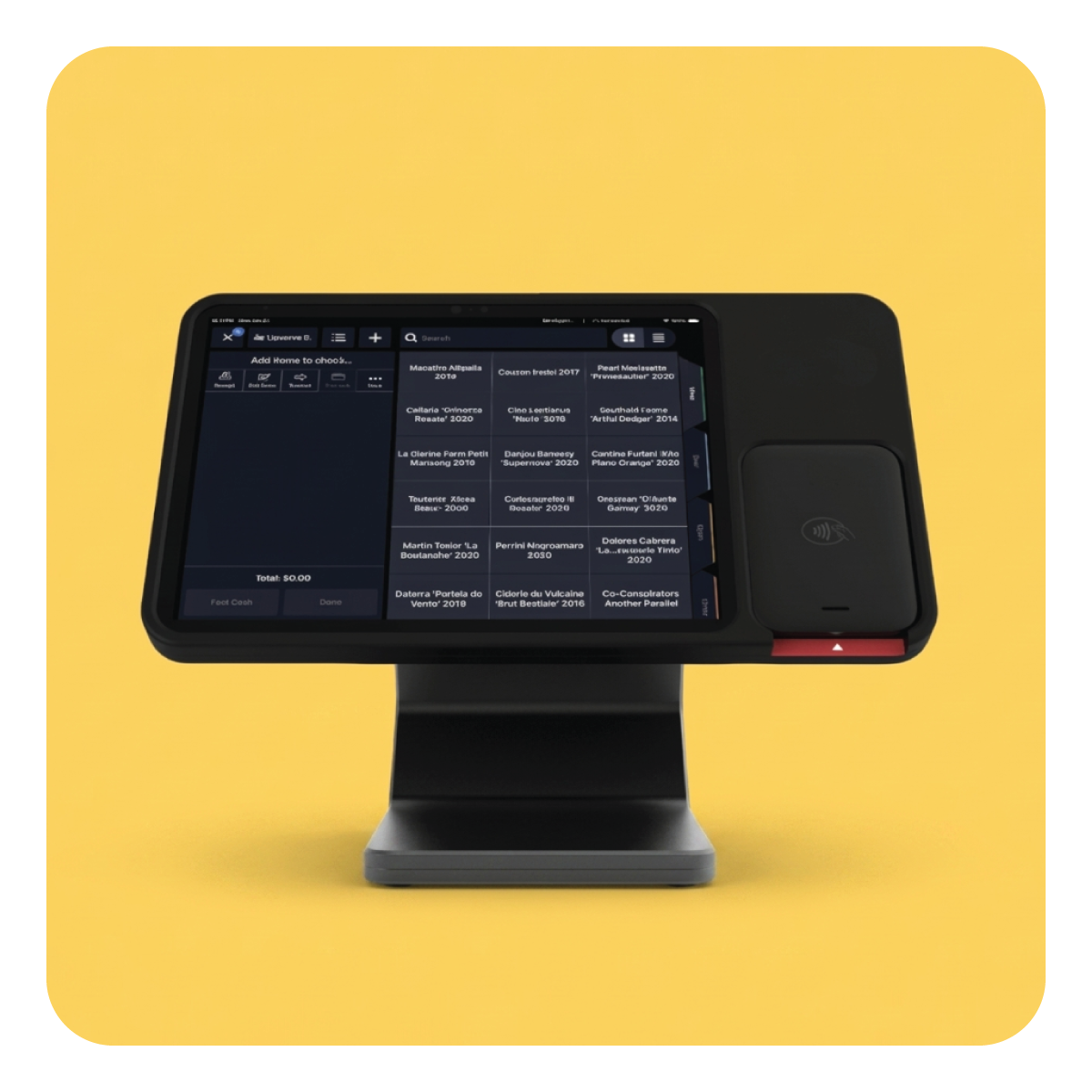
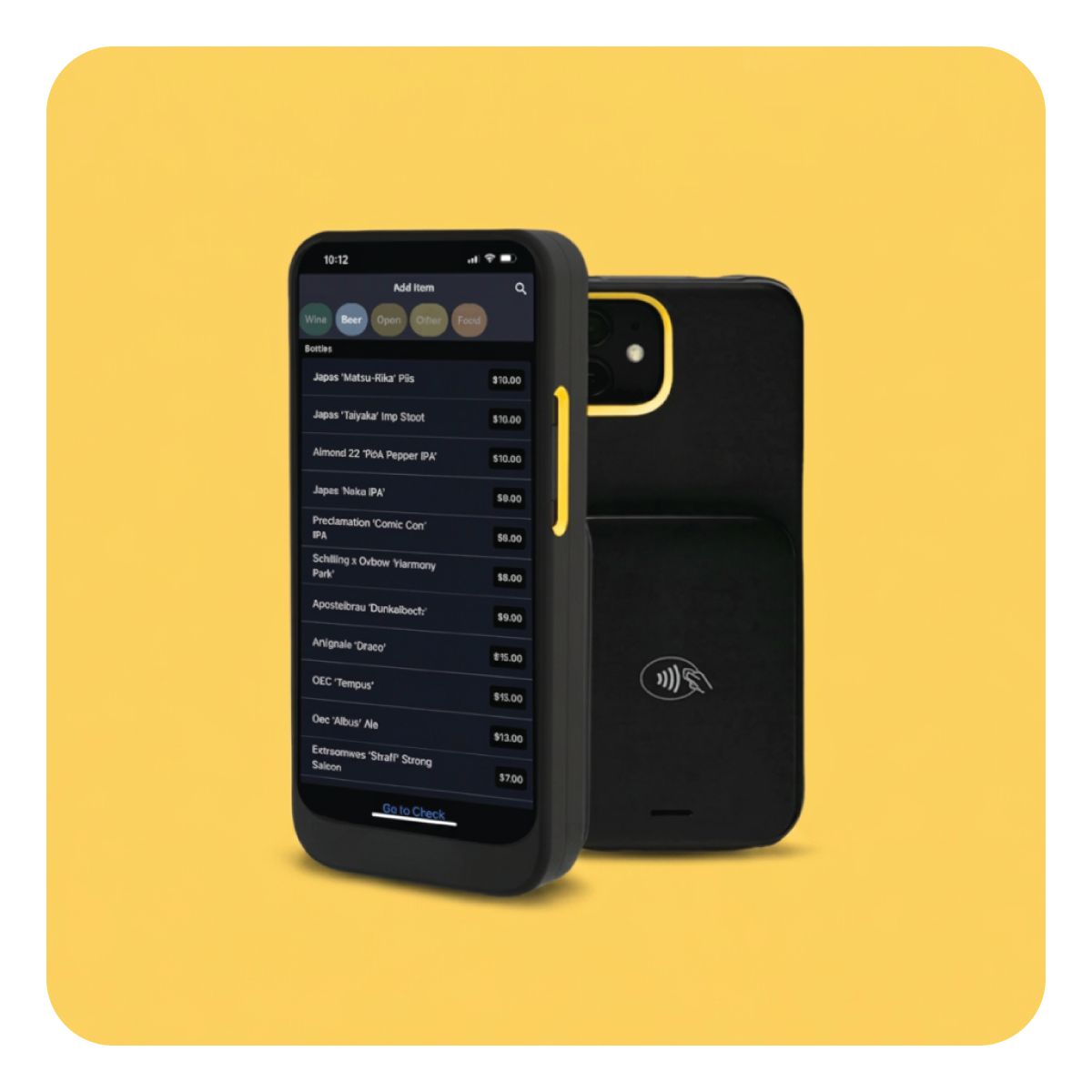
Give bartenders a fast Quick Serve screen built around your beer list. Open tabs, ring flights and pours, take payment, and get ready for the next guest with fewer steps.
.png)
Connect recipes to inventory so ingredients deduct as menu items sell. See usage, costs, and low-stock items without rebuilding the night in a spreadsheet.
.png)
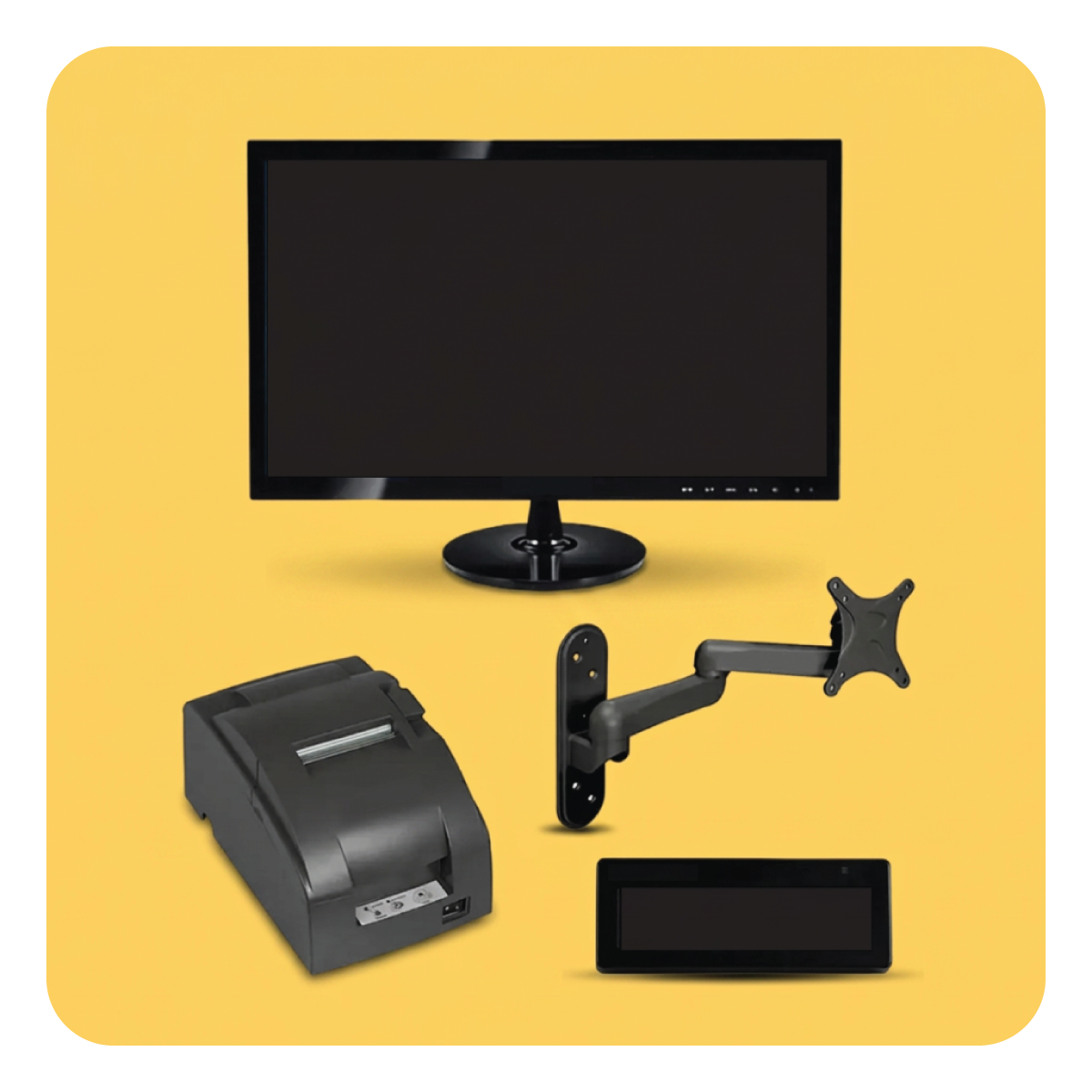
Manage food, modifiers, courses, and prep-station routing alongside taproom orders. One check and one set of reports for the entire guest experience.
.png)
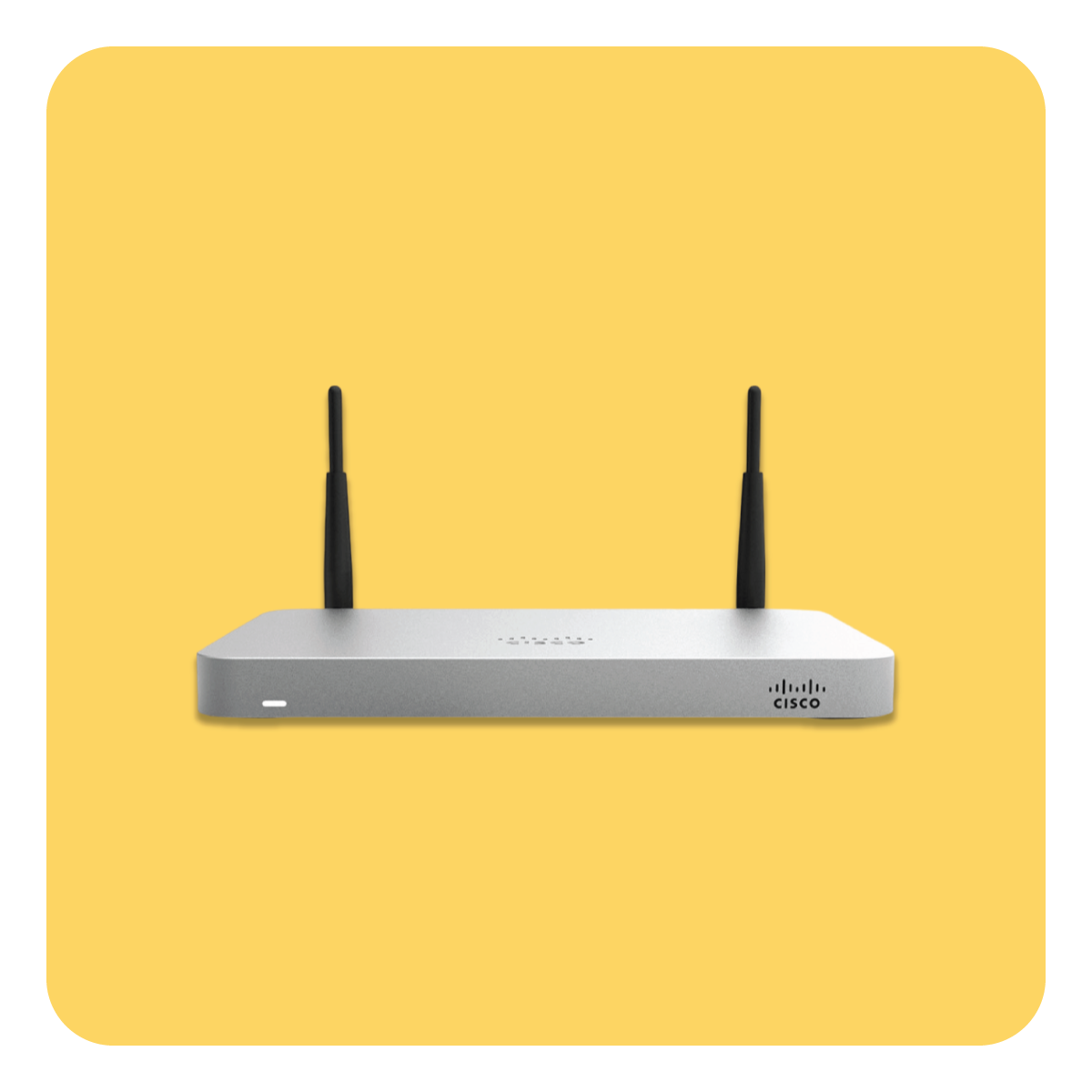
Offline Mode keeps essential ordering, kitchen-ticket, payment, and receipt workflows running during an outage, with some offline limitations.
Give bartenders a fast Quick Serve screen built around your beer list. Open tabs, ring flights and pours, take payment, and get ready for the next guest with fewer steps.
Connect recipes to inventory so ingredients deduct as menu items sell. See usage, costs, and low-stock items without rebuilding the night in a spreadsheet.
Manage food, modifiers, courses, and prep-station routing alongside taproom orders. One check and one set of reports for the entire guest experience.
Offline Mode keeps essential ordering, kitchen-ticket, payment, and receipt workflows running during an outage, with some offline limitations.
.svg)
.svg)
Want it walked through with your own menu?
Book a demo →
If release days bring a packed rail, a full patio, and food tickets at the same time, Upserve gives your team one clear way to run it all.
.png)
.png)
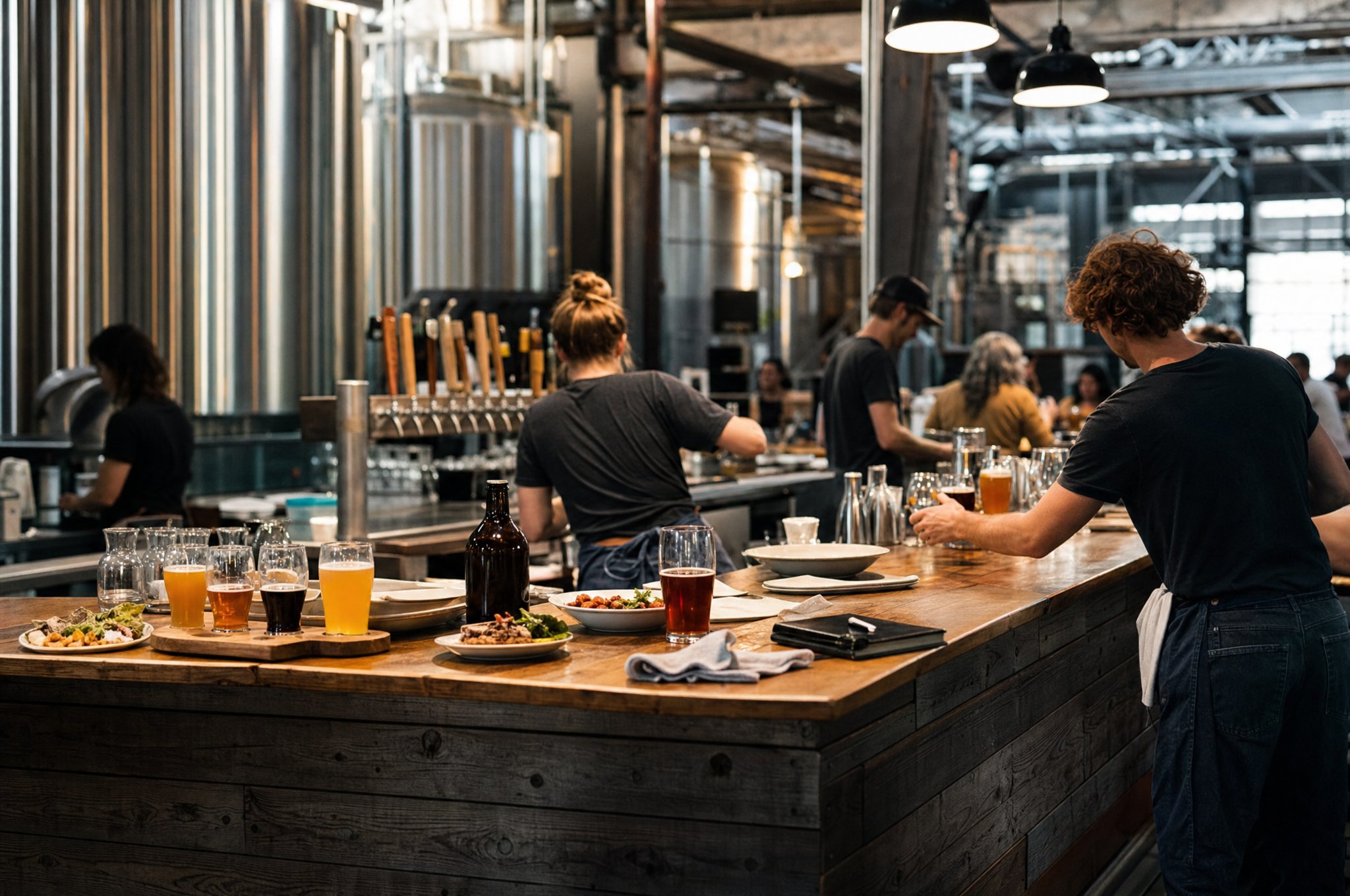
Real stories from the people pulling pints, running the kitchen, and closing out tabs.


Yes. Upserve inventory can deduct ingredients as menu items sell and supports recipe costing and low-stock visibility. Your specialist can show how to map your beer and food menu accurately.
Yes. Upserve supports bar tabs, table service, modifiers, coursing, to-go orders, and kitchen-ticket routing in the same system.
Offline Mode preserves essential service functions, including creating checks, taking supported payments, and printing kitchen tickets and receipts when the local network remains available. Your specialist will explain the limitations and recommended outage workflow.
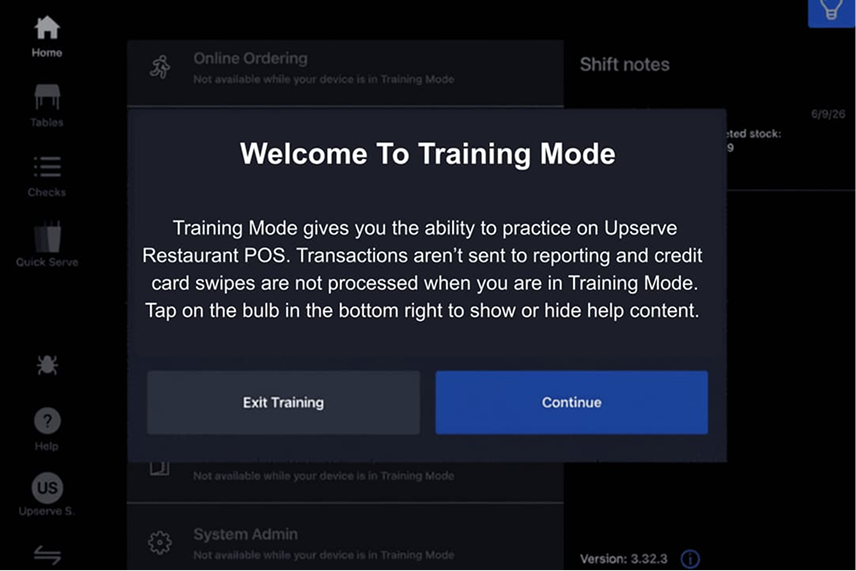
Yes. Training Mode lets staff practice with your menu and data without changing live reporting.
Bring your tap list, food menu, and current pain points. We’ll walk through the relevant workflow and give you clear pricing.
Book a Brewery POS Demo