Book a free demo to see Upserve's workforce tools with your team structure, and find out which plan fits.








Staff clock in on the POS on every plan. Core and Pro add scheduling and payroll sync, so hours flow straight through.
Request my free demo
See labor next to sales, schedule against real demand, and send clean hours to payroll.
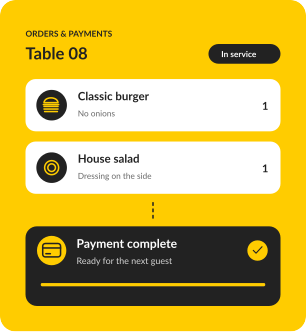
Staff clock in and out on the POS, so hours and sales live in one system.
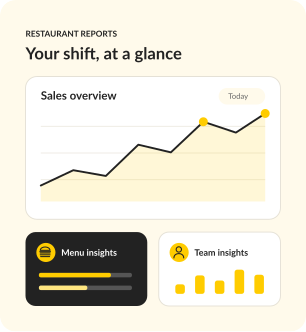
Spot over-staffed lunches and under-staffed Fridays before they cost you.
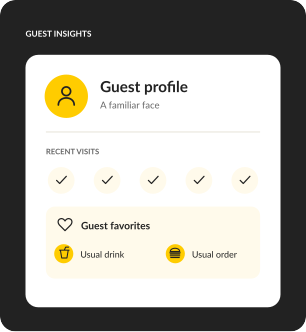
Server performance reports show who brings guests back, so coaching gets specific.
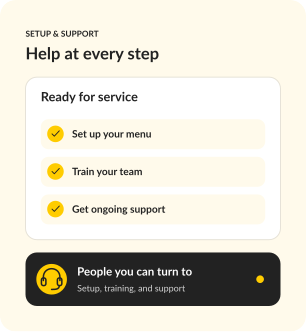
Core and Pro sync scheduling and payroll, and support is there 24/7/365 when questions come up.
Designed for independent restaurants, not enterprise chains. If your nights involve coursing, covers, and camped-out four tops, this was configured for your world before you touched it.
Real stories from the people behind the bar, in the kitchen, and running the show.


For a new opening or single restaurant that needs a reliable, full-featured POS.
SOFTWARE
$0
/ month
Your POS essentials

Dine-in, bar tabs & takeaway

Offline mode

Automatic guest profiles

24/7/365 support
MOST POPULAR
For operators ready to connect service, staff scheduling and daily decisions.
SOFTWARE
$59
/ month
Everything in Go, plus

Scheduling & payroll sync
Upserve Intelligence

Menu build & onboarding
For growing restaurants and groups that want ordering, loyalty and inventory built in.
SOFTWARE
Custom
Everything in Core, plus

Online ordering included

Card-linked loyalty

Inventory management

Multi-location reporting
Software prices shown. Processing fees apply. Hardware is sold separately.
Every plan includes timekeeping, so staff clock in and out on the POS. Core and Pro add scheduling and payroll sync, so hours flow from the schedule to payroll.
Go fits a new opening or a single restaurant that needs a reliable, full-featured POS. Core adds scheduling and payroll sync, Upserve Intelligence and a guided menu build. Pro adds online ordering, card-linked loyalty, inventory and multi-location reporting.
Yes. Upserve Live shows service performance as it happens, and the Daily Digest email recaps sales, labor and menu performance every morning. Managers can leave shift updates in the Digital Logbook.
Training Mode turns any device into a safe copy of your real system, so new hires practice on your actual menu before their first live shift, with no effect on sales or reports. Guided training and help articles are there after go-live.
Personalized onboarding, professional installation and staff training are included. A specialist rebuilds your menu, modifiers and floor plan with you, and our team configures your terminals, handhelds, printers and network.
Offline Mode keeps you taking orders and card payments and printing receipts for up to 24 hours without internet. Everything syncs once you're back online.
Support is available 24/7/365 by phone, chat or email, from people who understand restaurant service.
Tell us about your business, explore the system, and get answers to your questions.
Request my free demo