Upserve: the restaurant POS built for full-service hospitality.

Book a free demo to see the Upserve restaurant POS on your menu, with answers on setup, training and pricing.


What changed for other restaurants after switching to Upserve:
30%
Increase in revenue
10%
Decrease in time to table
See Upserve in action with a free demo.

Step 1 of 3

Who are you?

New or existing customer

Pick the one that fits.

Trusted by restaurants and hospitality groups.
Upserve POS on terminal, handheld, laptop, phone and desktop

Upserve restaurant POS: a clearer view of your business.

Connect what happens on the floor with the numbers you review after service.

Request my free demo
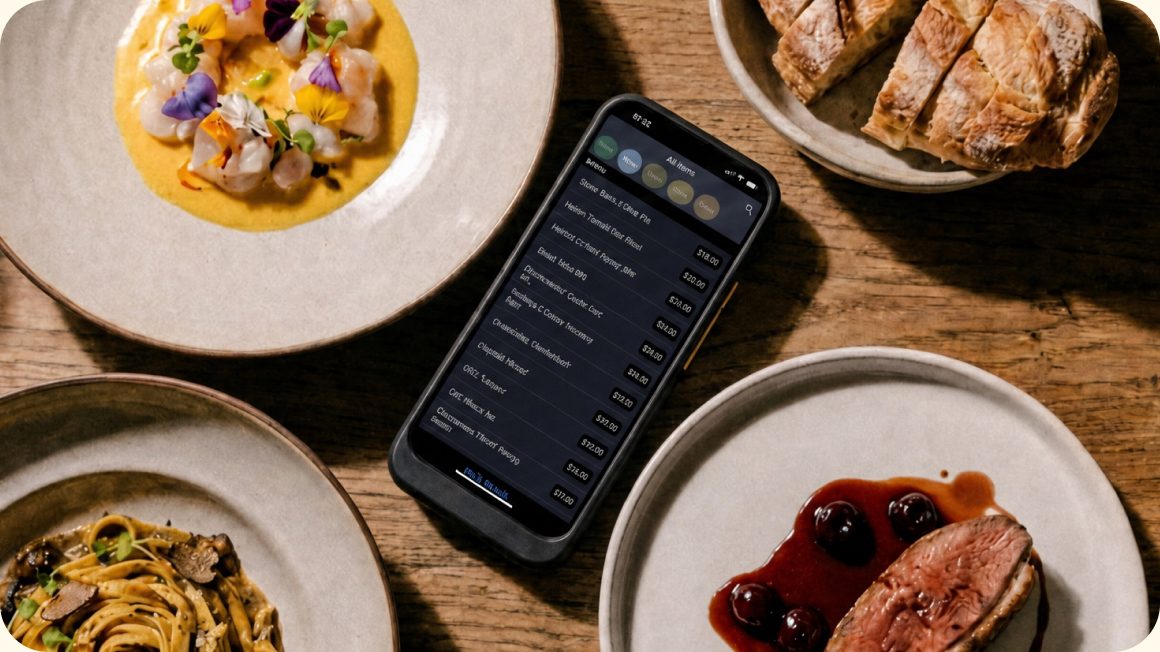
PRESS Bistro
Customer story /
PRESS Bistro
It stood out as the easiest, most complete system for what I needed as a full-service restaurant.
Jeremy Shearer, Owner
PRESS Bistro

What Upserve restaurant POS changes on every shift.

Help staff spend more time with guests, recognize returning regulars, and get support when they need it.
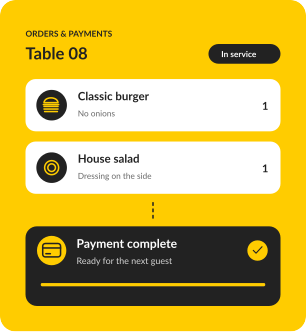
Orders and payments on Upserve

Turn tables without rushing guests.

Fire courses, split checks six ways and take payment at the table, so servers stay on the floor instead of at the terminal.
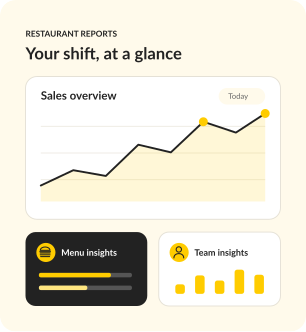
Upserve restaurant reports

Know what's working before the next shift.

See sales, labor and menu performance in one place, plus a Daily Digest every morning, even on your night off.
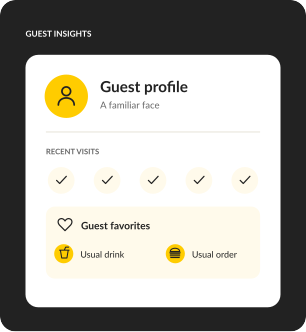
Upserve guest profile

Recognize regulars automatically.

Every card payment builds a guest profile with visits, spend and favorite items, so your team knows who's at table 12.
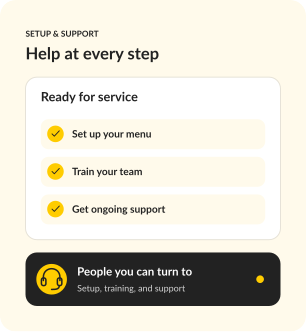
Upserve setup and support

Switch with a team that's done it before.

Menu build, installation and Training Mode are included, with 24/7/365 support from people who know a Friday rush.

Request my free demo

Upserve restaurant POS, built for restaurants where service is the product.

Full service
Casual dining
Bars and lounges
Fine dining
Fast casual
1 to 20 locations

Designed for independent restaurants, not enterprise chains. If your nights involve coursing, covers, and camped-out four tops, this was configured for your world before you touched it.

Switching to Upserve restaurant POS, with help at every step.

Easy for staff to learn, powerful enough to run your whole restaurant. The reason operators tolerate a POS they hate is that switching sounds worse. Here is why it is not.
Personalized onboarding
A specialist rebuilds your menu, modifiers, and floor plan with you, so day one feels familiar, not foreign.
Professional installation
Terminals, handhelds, printers, kitchen screens, networking. Our team configures all of it. You run service, we run cables.
Training Mode
Flip one switch and any device becomes a safe copy of your real system. New hires practice on your actual menu, with zero risk to live service.
24/7/365 restaurant support
Chat, phone, or email, any hour. Real people who have worked a rush and know what we are slammed means.
IN GOOD COMPANY

Why operators trust Upserve restaurant POS.

Real stories from the people behind the bar, in the kitchen, and running the show.

CUSTOMER STORY
Things have improved exponentially, especially the customer service experience. I'm very thankful for the direct access to help.
Yvette, Owner
Vinateria · Harlem, NYC
Customer since April 2013
CUSTOMER STORY
Good processing rates and great support.
Bailey Smith, Managing Partner
The R Bar · New Orleans, LA
Customer since 2014
CUSTOMER STORY
It's very intuitive and user-friendly, which is essential for a good POS. It's also there working for us fast and furious when we need it to, firing orders all over the kitchen.
Peter, Owner
The Sandwich Hut · Providence, RI
Customer since 2016

Upserve restaurant POS pricing: a plan for every stage.

Full POS in every plan
Dine-in, bar tabs & takeaway
Personalized onboarding
Included with Core & Pro
24/7/365 support
Chat, phone & email

Go

For a new opening or single restaurant that needs a reliable, full-featured POS.

SOFTWARE

$0

/ month

Request a demo

Your POS essentials

Dine-in, bar tabs & takeaway

Offline mode

Automatic guest profiles

24/7/365 support

Core

MOST POPULAR

For operators ready to connect service, staff scheduling and daily decisions.

SOFTWARE

$59

/ month

Request a demo

Everything in Go, plus

Scheduling & payroll sync

Upserve Intelligence

Menu build & onboarding

Pro

For growing restaurants and groups that want ordering, loyalty and inventory built in.

SOFTWARE

Custom

Request a demo

Everything in Core, plus

Online ordering included

Card-linked loyalty

Inventory management

Multi-location reporting

Software prices shown. Processing fees apply. Hardware is sold separately.

Upserve restaurant POS FAQ: what operators ask before they switch.

Is Upserve a good fit for my restaurant?

Upserve is built for restaurants and bars that need to manage orders, payments, and day-to-day operations together. Whether you're opening your first location or replacing your current POS, a demo can help you see how it would work for your team.

Is Upserve still part of Lightspeed?

No. Upserve is an independent company again. It's the same restaurant POS your team knows, with the same 24/7/365 support, now focused entirely on restaurants.

How much help will I get with switching?

Personalized onboarding, professional installation and staff training are included. A specialist rebuilds your menu, modifiers and floor plan with you, and our team configures your terminals, handhelds, printers and network.

How will my staff learn to use it?

Training Mode turns any device into a safe copy of your real system, so new hires practice on your actual menu before their first live shift, with no effect on sales or reports. Guided training and help articles are there after go-live.

What happens if the internet goes down?

Offline Mode keeps you taking orders and card payments and printing receipts for up to 24 hours without internet. Everything syncs once you're back online.

Can I see how the restaurant is doing when I'm not there?

Yes. Upserve Live shows service performance as it happens, and the Daily Digest email recaps sales, labor and menu performance every morning. Managers can leave shift updates in the Digital Logbook.

What if I need help during a busy shift?

Support is available 24/7/365 by phone, chat or email, from people who understand restaurant service.

See Upserve restaurant POS on your menu in a free demo.

Tell us about your business, explore the system, and get answers to your questions.

Request my free demo