Book a free demo to see the small restaurant POS software on your menu and get a clear quote for software, hardware and add-ons.







One system for orders, payments, guests and reporting, sized for a small team and a tight budget.
Request my free demo
Run a lean team without giving up the reporting, guest data and support bigger operators rely on.
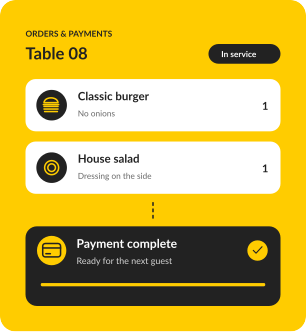
Go starts at $0/month for software and still includes dine-in, bar tabs, takeout, offline mode and guest profiles.
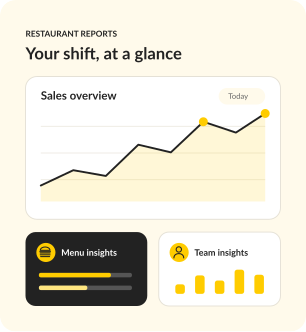
Sales, labor and best sellers land in one dashboard and a Daily Digest email, so a small team can make quick calls.
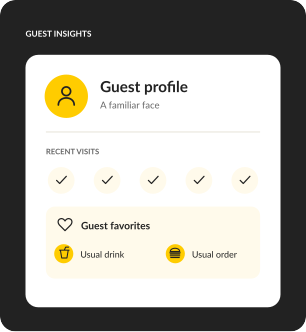
Guest profiles build automatically from card payments, so you remember the usual order without a notebook.
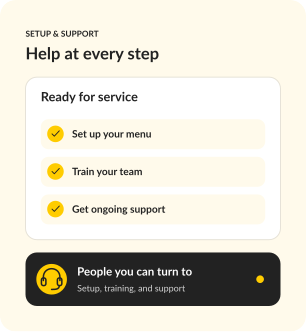
A specialist builds your menu with you, Training Mode gets new hires ready, and support picks up 24/7/365.
If you're the owner, the manager and sometimes the line cook, your POS should save you time on every shift. Upserve was configured for restaurants like yours before you touched it.
Real stories from the people behind the bar, in the kitchen, and running the show.


For a new opening or single restaurant that needs a reliable, full-featured POS.
SOFTWARE
$0
/ month
Your POS essentials

Dine-in, bar tabs & takeaway

Offline mode

Automatic guest profiles

24/7/365 support
MOST POPULAR
For operators ready to connect service, staff scheduling and daily decisions.
SOFTWARE
$59
/ month
Everything in Go, plus

Scheduling & payroll sync
Upserve Intelligence

Menu build & onboarding
For growing restaurants and groups that want ordering, loyalty and inventory built in.
SOFTWARE
Custom
Everything in Core, plus

Online ordering included

Card-linked loyalty

Inventory management

Multi-location reporting
Software prices shown. Processing fees apply. Hardware is sold separately.
Yes. The Go plan is $0/month for software and includes dine-in, bar tabs, takeout, offline mode, automatic guest profiles and 24/7/365 support. You pay processing per transaction, and hardware is quoted for your space.
Personalized onboarding, professional installation and staff training are included. A specialist rebuilds your menu, modifiers and floor plan with you, and our team configures your terminals, handhelds, printers and network.
Training Mode turns any device into a safe copy of your real system, so new hires practice on your actual menu before their first live shift, with no effect on sales or reports. Guided training and help articles are there after go-live.
Offline Mode keeps you taking orders and card payments and printing receipts for up to 24 hours without internet. Everything syncs once you're back online.
Upserve runs on iPad and supports compatible devices and common peripherals. Proprietary hardware from other POS systems usually needs to be replaced. We'll review your current setup during the demo so you know exactly what stays.
Yes. Upserve Live shows service performance as it happens, and the Daily Digest email recaps sales, labor and menu performance every morning. Managers can leave shift updates in the Digital Logbook.
Support is available 24/7/365 by phone, chat or email, from people who understand restaurant service.
In one call you'll see Upserve on a menu like yours, get straight answers on setup and training, and leave with an itemized quote. No obligation.
Request my free demo