Upserve is built for full-service restaurants, combining an easy-to-use POS with guest, menu, and server insights to help create regulars and grow your business. See the workflows, then compare the setup, costs, and move from Toast.








Both platforms can run your restaurant and report on overall performance. Upserve goes deeper to answer questions like which dishes bring guests back, who your regulars are, and how your servers are performing.

Guest Book builds history around guest visits, their spend, preferences, and more. Shift Prep brings that context into your pre-shift meetings.
Guest CRM brings orders, visits, and reservation data together
Menu Insights connects item performance with repeat-guest behavior to show which dishes drive loyalty.
Restaurant reporting and cost-management tools; review the menu analyses in your package
Compare server performance over time to identify top performers, spot trends, and inform your coaching.
Reporting includes employee productivity and server-level sales and item data.
Designed for complexity of full-service shifts. Manage tables by service zone, assign servers by section, keep service moving with visual floor plans and tableside ordering and payments.
Supports table management, coursing, handheld ordering, and tableside payments.
Published software tiers; hardware separate; processing and setup require review
Approved hardware required; implementation and payment options depend on package
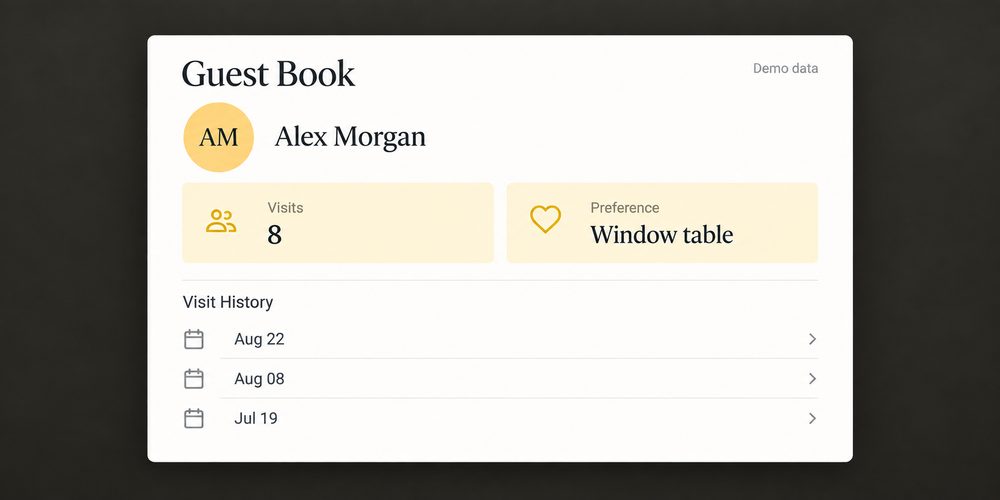
Give the team guest history and preferences they can use before the first order.
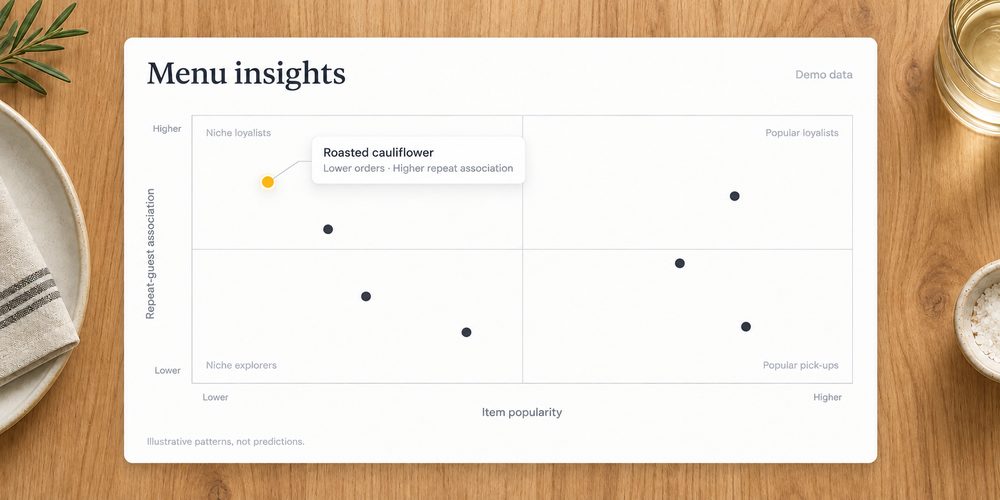
Explore the dishes associated with repeat visits, including the ones a bestseller list can overlook.
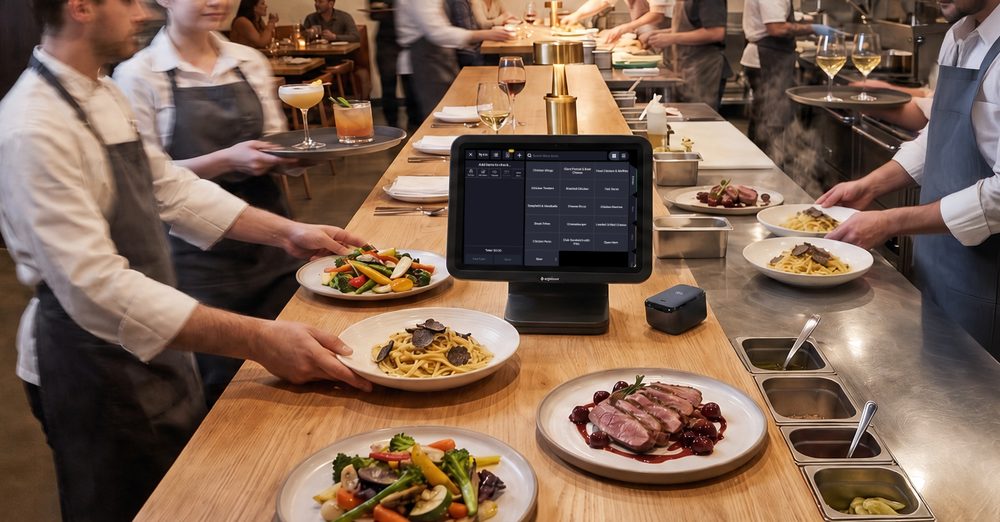
Use menu and server insight to focus the next team conversation.
Your team has habits. Your restaurant has requirements. Map both before replacing the system they know.
This is an evaluation and planning sequence, not a guaranteed implementation schedule.
Bring your current POS, devices, integrations, and the service details you need to keep.
Walk through the workflows that matter to your team. Review the proposed setup and costs.
Confirm configuration, training, installation, and what data can transfer before setting a go-live date.
A specialist rebuilds your menu, modifiers, and floor plan with you, so day one feels familiar, not foreign.
Terminals, handhelds, printers, kitchen screens, networking. Our team configures all of it. You run service, we run cables.
Give your team hands-on practice with your actual menu and POS workflows, without affecting live service or reporting.
Chat, phone, or email, any hour. Real people who have worked a rush and know what we are slammed means.
Three plans, priced per location, from a single room to a growing group. Your quote depends on your locations, your hardware, and how you run service.
Best for owners running one or two locations
Get My Quote
The full stack for operators who want the guest and inventory side too.
Get My QuoteFor larger groups, central kitchens, and tech-forward operators.
Get My QuotePayments on every plan, hardware quoted separately. You will see your full quote on the call, itemized. Ask about setup support on your call.
Have your Toast quote or statement handy. Compare the same devices, required tools, and payment assumptions.
Both platforms provide guest profiles. Upserve brings that data into daily service, so your team can see who’s coming in, review past visits and preferences before the shift, and understand which menu items create regulars.
Look at the capabilities you’d need to run and grow your business, not just the starting software price. Upserve keeps software pricing simple with subscription packages and clear sets of included features. Bring your current quote or statement and compare the complete setup.
We’ll map the tools your restaurant relies on today against what’s built-in with Upserve as well as supported integrations. You’ll know what can stay and what would change before you make the switch.
See the workflows your team would use, review the setup, and get a clear picture of the move.
Book an Upserve Demo