
Lightspeed serves retail, golf and hospitality. Upserve is independent and built only for US full-service restaurants.








Both offer guest and menu analytics. Here's where they part ways.



Lightspeed details from public sources, as of October 2026: ¹ Lightspeed Q3 FY25 results and strategic review (Feb 2025) ² Lightspeed press release, Upserve divestiture (Apr 2026) ³ Lightspeed Help Center, Guest book ⁴ Lightspeed Help Center, menu reports ⁵ Lightspeed Help Center, staff reports ⁶ Lightspeed Help Center, payments requirement ⁷ lightspeedhq.com/pos/restaurant/pricing ⁸ lightspeedhq.com/pos/restaurant
Everything Upserve builds is for restaurants, so the floor, the guest and the back office work the way full service runs.
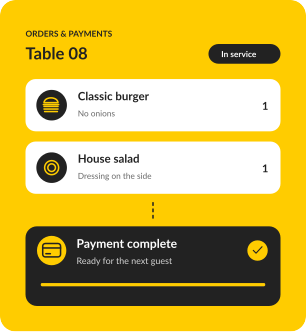
Take orders and payments at the table on iPhone handhelds, so servers stay on the floor.
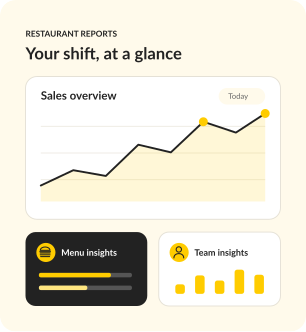
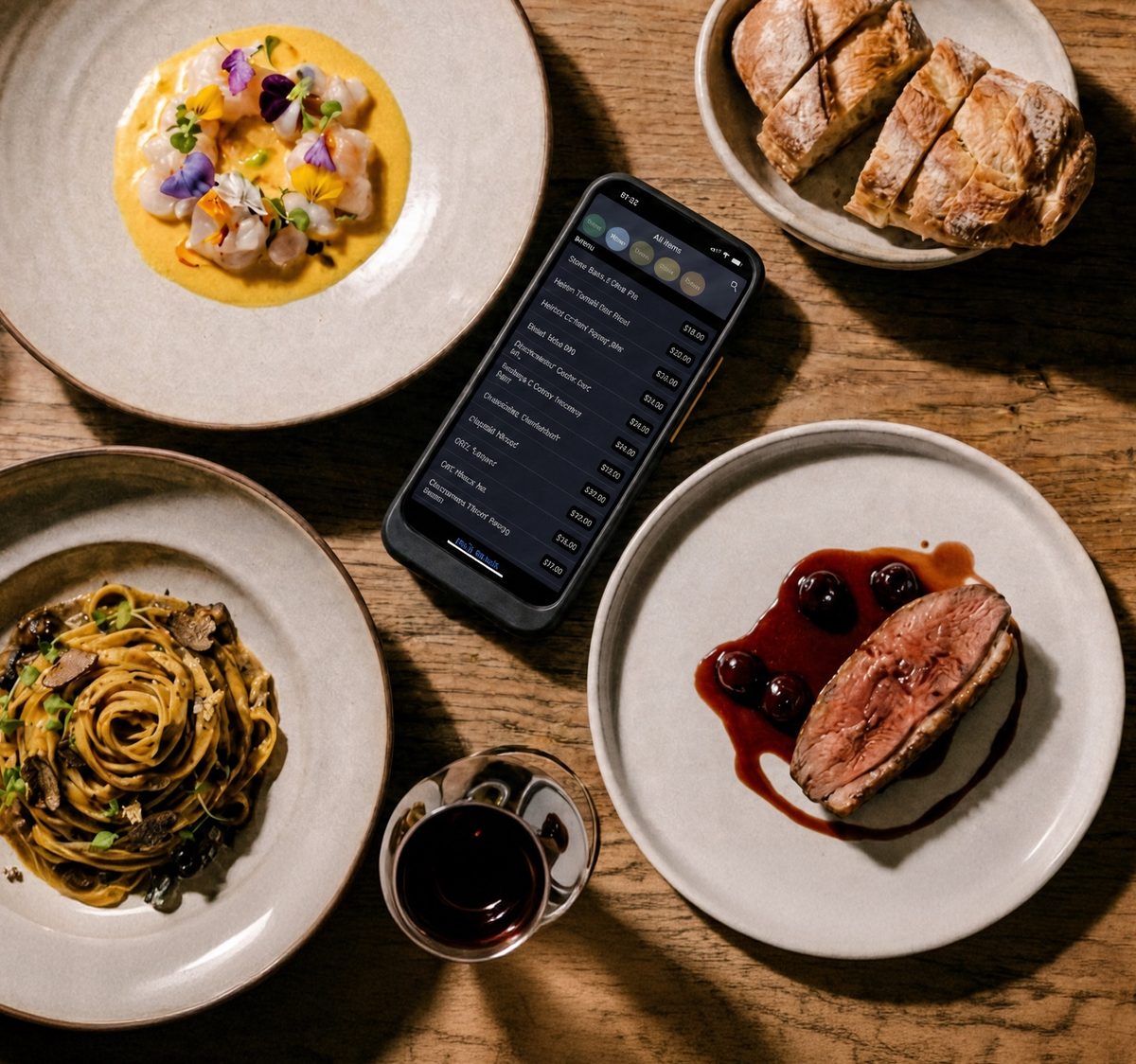
Sales, menu and team performance in Upserve HQ, ready the morning after.
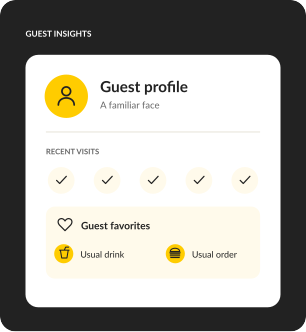
Guest history and preferences reach your team before the first order.
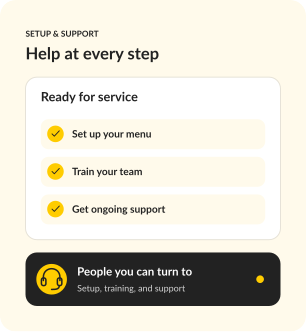
Onboarding, installation, training and 24/7/365 support from people who've worked a rush.
Check your Lightspeed term, notice period and any hardware you still owe on. Then walk through Upserve with your own menu. If you run retail and restaurants together, or operate across Europe, Lightspeed may still be the better fit.
Bring your Lightspeed agreement, devices, integrations and the service details you need to keep.
Walk through your menu, floor plan and trickiest splits. Review the proposed setup and every line of the quote.
Confirm configuration, training, installation and what data can come with you, then set a go-live date around your term.
A specialist rebuilds your menu, modifiers, and floor plan with you, so day one feels familiar, not foreign.
Terminals, handhelds, printers, kitchen screens, networking. Our team configures all of it. You run service, we run cables.
Give your team hands-on practice with your actual menu and POS workflows, without affecting live service or reporting.
Chat, phone, or email, any hour. Real people who have worked a rush and know what we are slammed means.


For a new opening or single restaurant that needs a reliable, full-featured POS.
SOFTWARE
$0
/ month
Your POS essentials

Dine-in, bar tabs & takeaway

Offline mode

Automatic guest profiles

24/7/365 support
MOST POPULAR
For operators ready to connect service, staff scheduling and daily decisions.
SOFTWARE
$59
/ month
Everything in Go, plus

Scheduling & payroll sync
Upserve Intelligence

Menu build & onboarding
For growing restaurants and groups that want ordering, loyalty and inventory built in.
SOFTWARE
Custom
Everything in Core, plus

Online ordering included

Card-linked loyalty

Inventory management

Multi-location reporting


Software prices shown. Processing fees apply. Hardware is sold separately.
Have your Lightspeed quote or statement handy. We'll price the same devices, add-ons and payment assumptions side by side.
No. Upserve was part of Lightspeed from 2020 to 2026. Today it's independent of Lightspeed and builds only for restaurants.
You're already an Upserve customer. Choose “I'm already an Upserve customer” in the form and we'll connect you with your account team.
Upserve is built only for full-service restaurants. You get guest, menu and server insight in Upserve HQ, plus personalized onboarding, professional installation and 24/7/365 support from a team that focuses on restaurants and nothing else.
Both build guest profiles from card payments. Upserve brings them into daily service, with Shift Prep showing who's coming in, past visits and preferences before the shift starts.
Lightspeed requires Lightspeed Payments and charges a monthly fee if you use another processor.⁶ Ask how Upserve handles payments on your demo, and we'll itemize it in your quote.
Lightspeed publishes plans from $69 to $399 a month on annual billing, with add-ons such as kitchen display at $30 per screen.⁷ Compare the complete setup: software, hardware, processing, add-ons and term. Bring a recent statement and we'll itemize the same setup in your Upserve quote.
Bring your menu and your questions. Leave with a side-by-side view of the fit, the setup and the cost.
Request my free demoLightspeed and its logos are trademarks of Lightspeed Commerce Inc. Upserve is not affiliated with or endorsed by Lightspeed. Comparison information is drawn from public sources and is accurate to the best of our knowledge as of October 2026.
