
Like Lavu, Upserve runs on iPad. It also turns every card payment into guest history and shows which dishes bring people back.









Both report on sales and staff. Upserve starts with the guest: who came in and what brings them back.



Lavu details from public sources, as of October 2026: ¹ Lavu Help Center, Customer Management ² Lavu self-serve checkout (buy.lavu.com) ³ Lavu Help Center, item and food cost reports ⁴ Lavu Help Center, Server Summaries and End of Day report ⁵ Lavu Help Center, Cross-Country reporting ⁶ Lavu Terms and Conditions
Orders, payments, guest history and reporting share one system, so the insight is there when your team needs it.
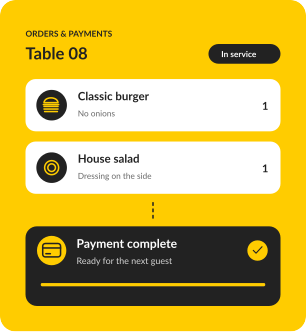
Take orders and payments at the table, so your team spends more time with guests.
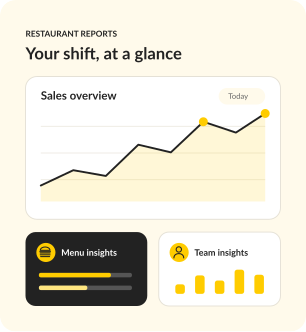
See what's selling and how your menu and team are performing, so you know where to focus.
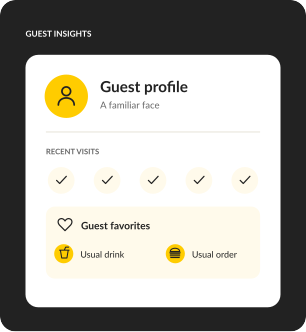
Every card payment adds to a guest profile. No one types a phone number in at the table.
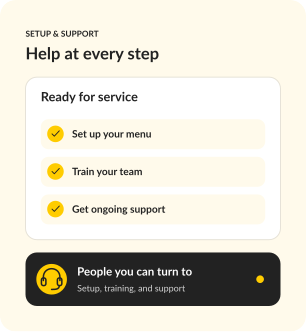
We rebuild your menu, install the hardware and stay on the line on go-live day.
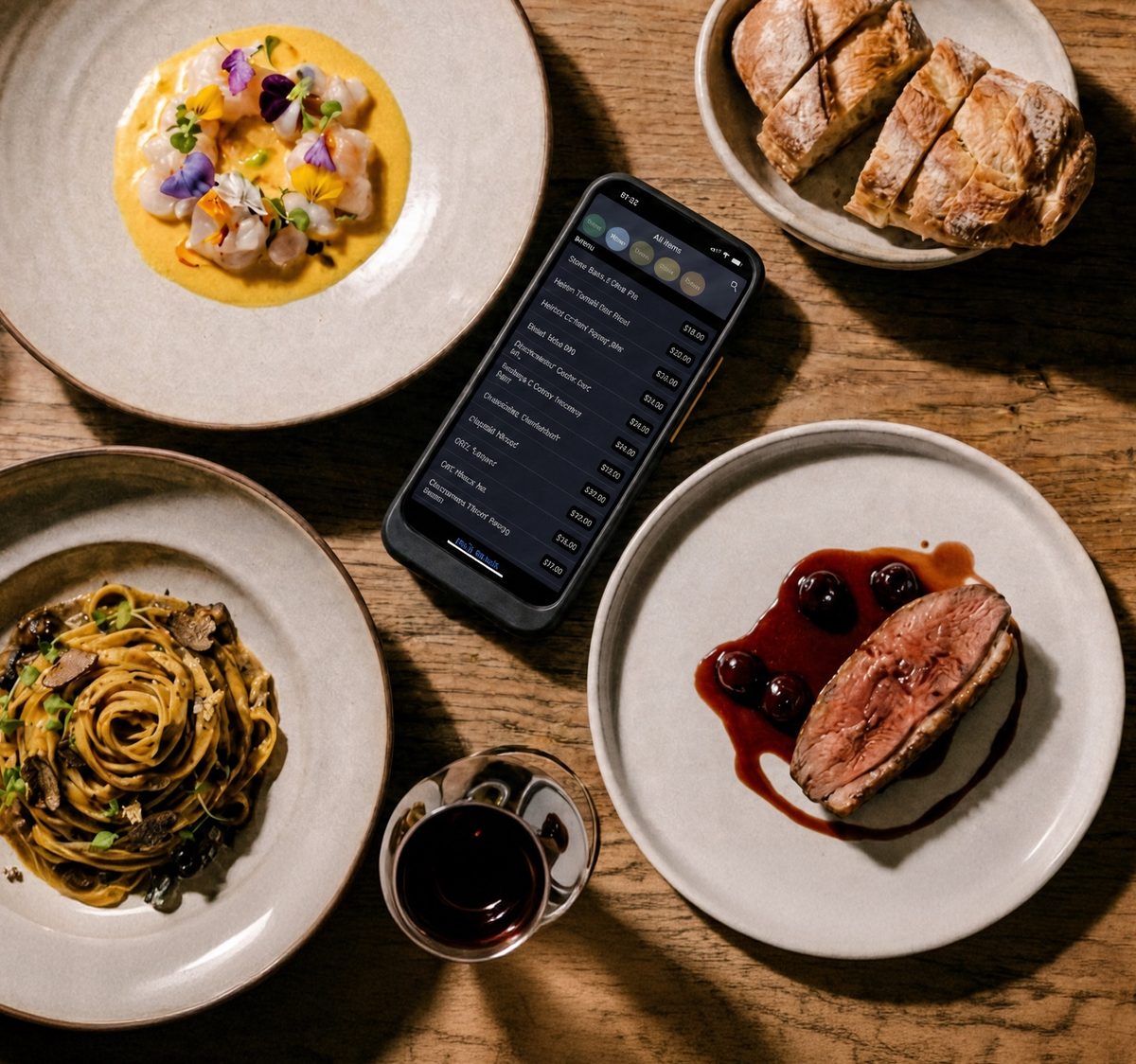
Check your Lavu term and renewal date, and export your reports and customer list while your account is active. Then test Upserve on your real menu. If Lavu's quick-service and payroll tools are what matter most, it may still be the right fit.
Bring your Lavu agreement, a recent statement, iPads, printers and integrations.
Walk through your menu, floor plan and trickiest splits. Review the proposed setup and every line of the quote.
Export your Lavu data, confirm configuration, training and installation, then set a go-live date that fits your term.
A specialist rebuilds your menu, modifiers, and floor plan with you, so day one feels familiar, not foreign.
Terminals, handhelds, printers, kitchen screens, networking. Our team configures all of it. You run service, we run cables.
Give your team hands-on practice with your actual menu and POS workflows, without affecting live service or reporting.
Chat, phone, or email, any hour. Real people who have worked a rush and know what we are slammed means.


For a new opening or single restaurant that needs a reliable, full-featured POS.
SOFTWARE
$0
/ month
Your POS essentials

Dine-in, bar tabs & takeaway

Offline mode

Automatic guest profiles

24/7/365 support
MOST POPULAR
For operators ready to connect service, staff scheduling and daily decisions.
SOFTWARE
$59
/ month
Everything in Go, plus

Scheduling & payroll sync
Upserve Intelligence

Menu build & onboarding
For growing restaurants and groups that want ordering, loyalty and inventory built in.
SOFTWARE
Custom
Everything in Core, plus

Online ordering included

Card-linked loyalty

Inventory management

Multi-location reporting


Software prices shown. Processing fees apply. Hardware is sold separately.
Have your Lavu statement handy. We'll price the same devices, tools and payment assumptions side by side, and show you every rate.
Upserve is built for full-service restaurants that want to know their guests. Guest Book builds profiles from card payments, Menu Insights shows which dishes bring guests back, and server reports help you coach, all in Upserve HQ with personalized onboarding and 24/7/365 support.
In Lavu, staff attach a customer to an order to build a record, and loyalty and marketing come in its top self-serve package. Upserve builds a profile from every card payment automatically, so regulars are recognized without extra steps.
Lavu runs on iPad, and so does Upserve. We'll check your iPad models and printers and confirm what can stay before you switch.
Export your reports and customer list while your account is active. Lavu's terms allow it to delete account data after termination.⁶
Lavu's self-serve checkout states a 36-month term, with a 30-day cancellation window after go-live if you meet its conditions. Its terms renew subscriptions automatically at then-current fees.²,⁶ Check your renewal date before you plan the switch.
Compare the complete setup: software, hardware, processing, add-ons and term. Bring a recent Lavu statement and we'll itemize the same setup in your Upserve quote.
Bring your menu and your questions. Leave with a side-by-side view of the fit, the setup and the cost.
Request my free demoLavu and its logos are trademarks of their respective owner. Upserve is not affiliated with or endorsed by Lavu. Comparison information is drawn from public sources and is accurate to the best of our knowledge as of October 2026.
